

See where your time goes Trace how your ideas grow
Choose a project,
Start a timer,
Write notes.
ChroFlow keeps notes and sessions automatically tied to their projects,
turning your work into searchable project timelines — locally on your desktop.


Rotate your device for an easier read
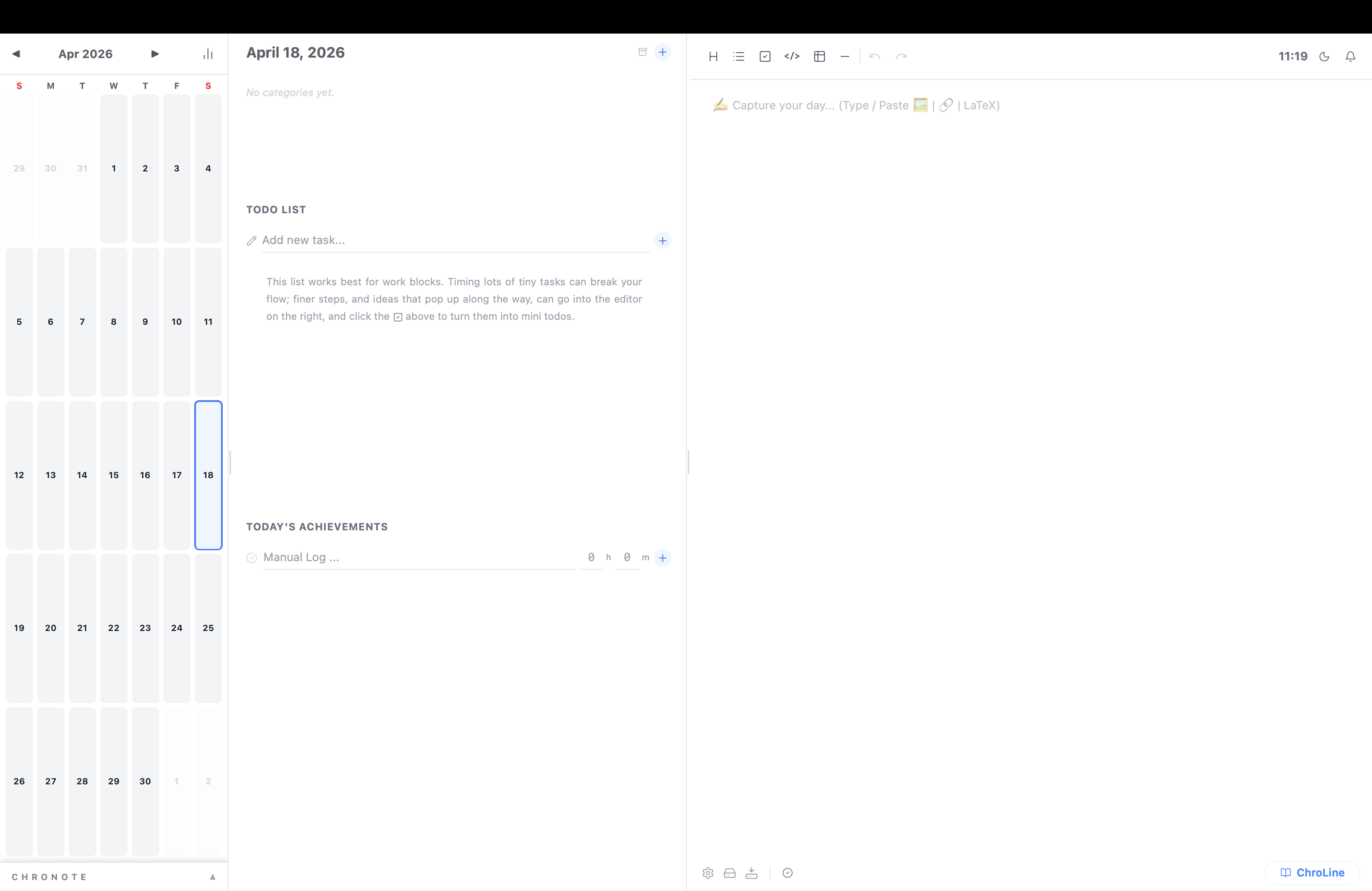
See how ChroFlow works
Where your time goes
Where your thoughts live
Calendar
Todo
Daily editor
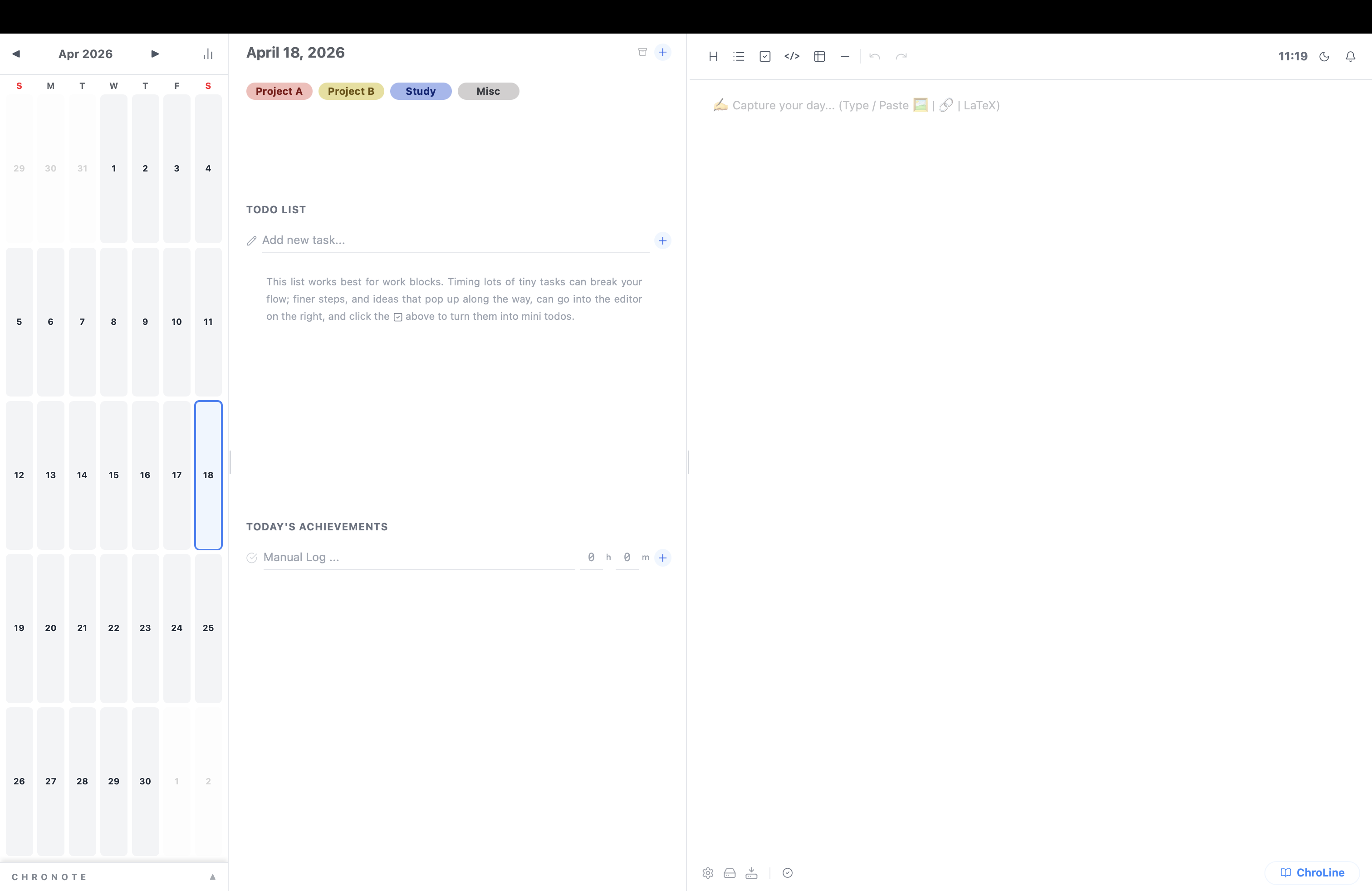
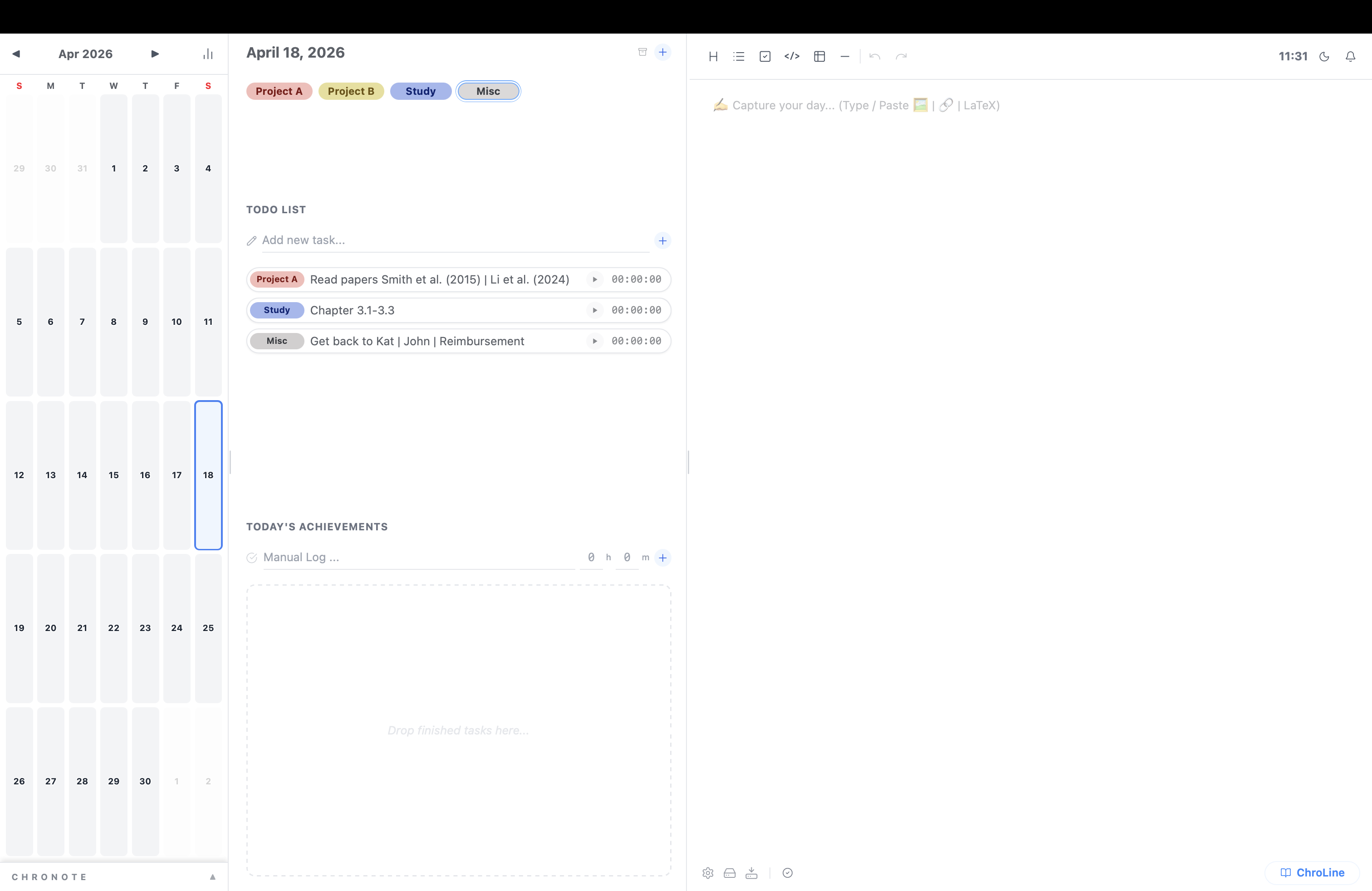
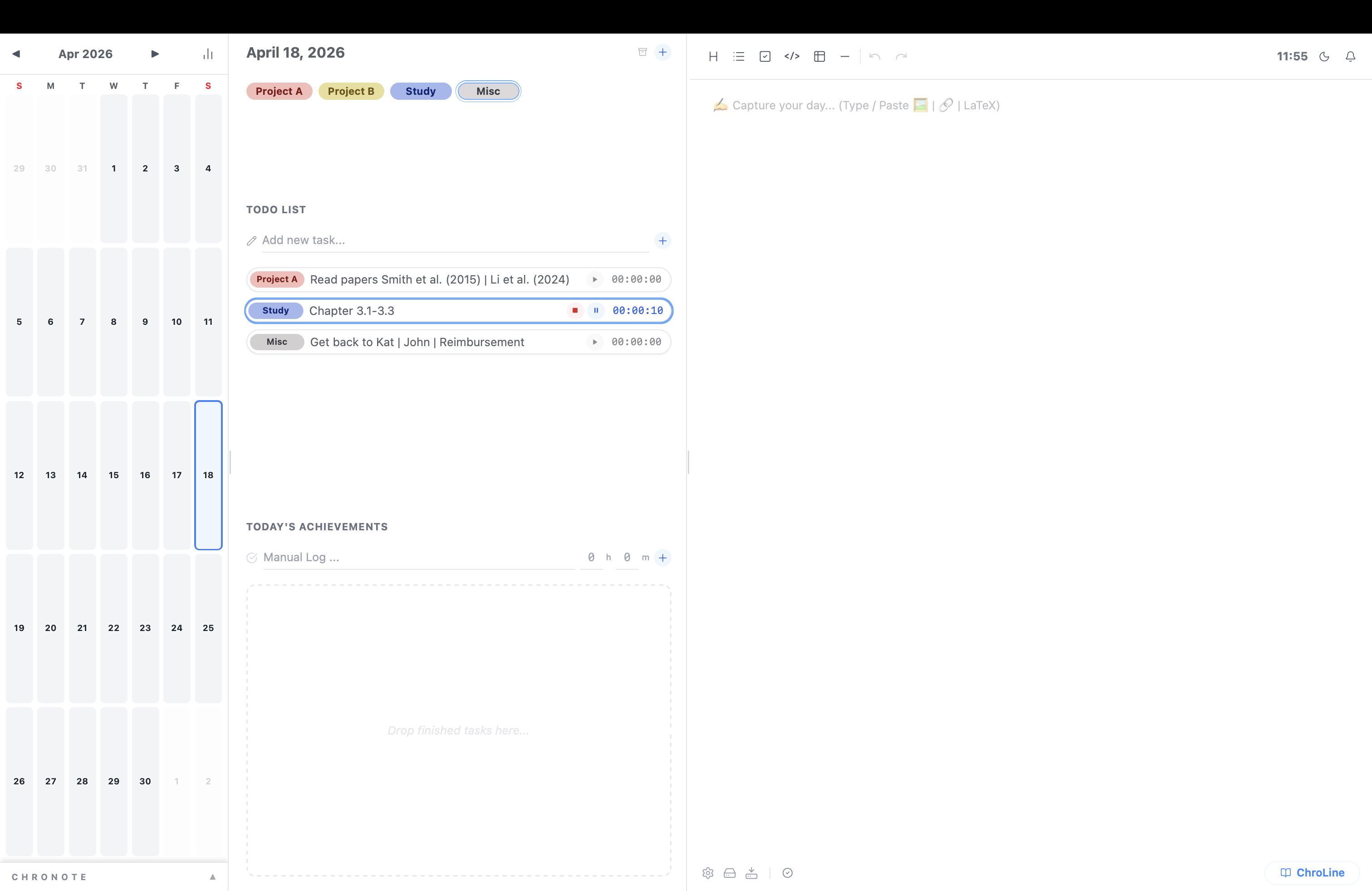
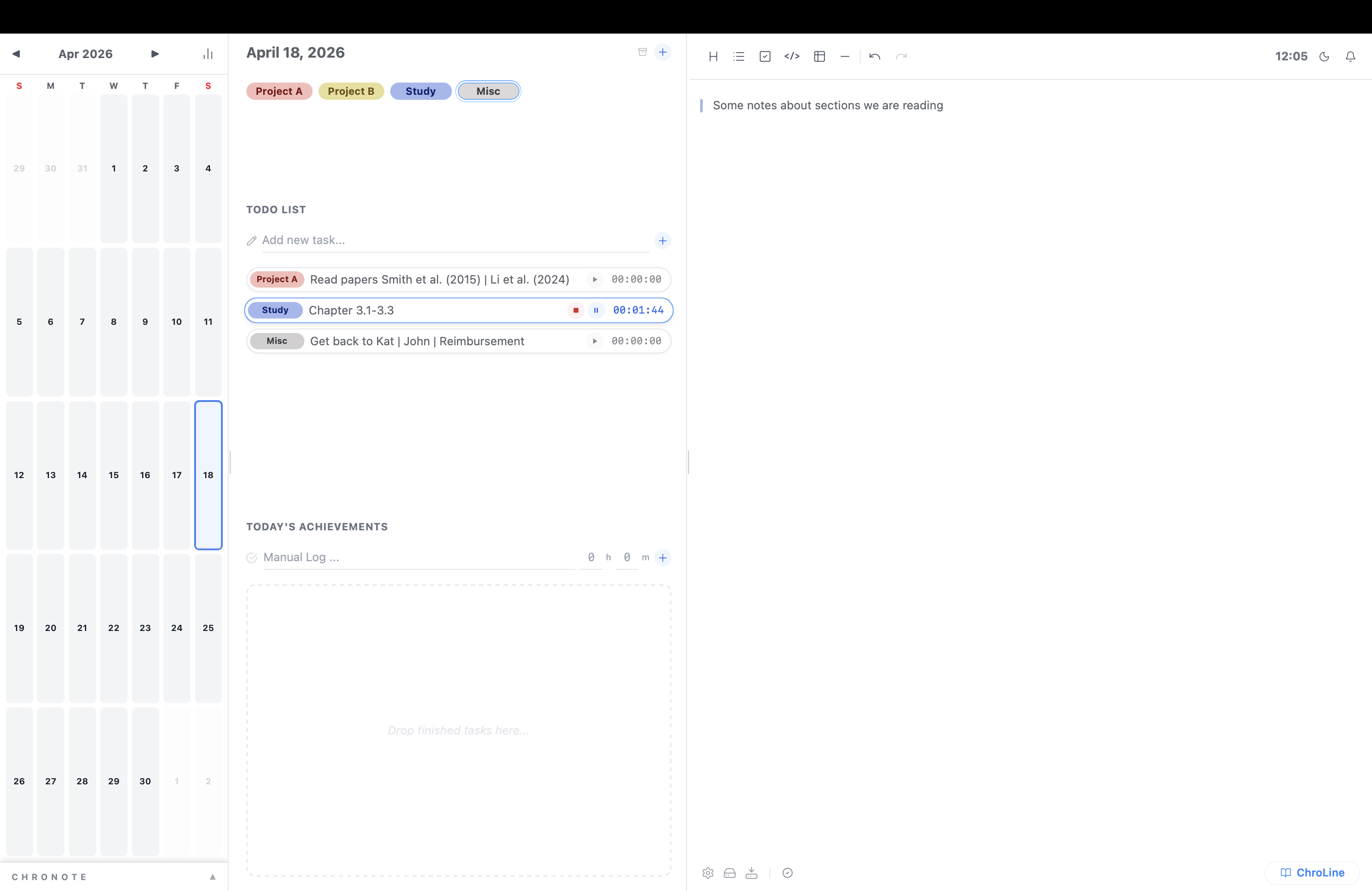
Every day is a new start
Organise by category
Plan your sessions
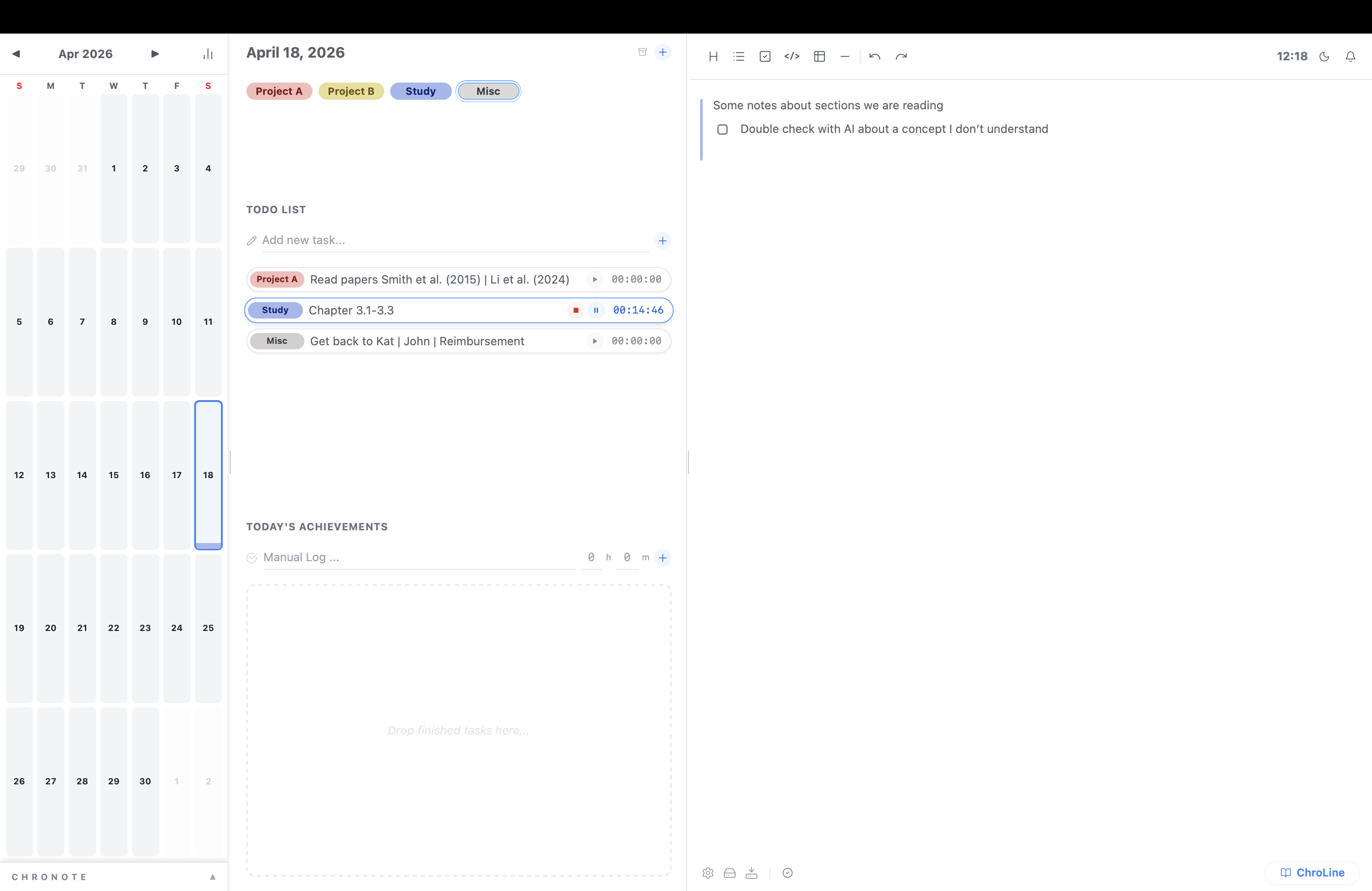
Click to start a session
Automatically tag notes as you work
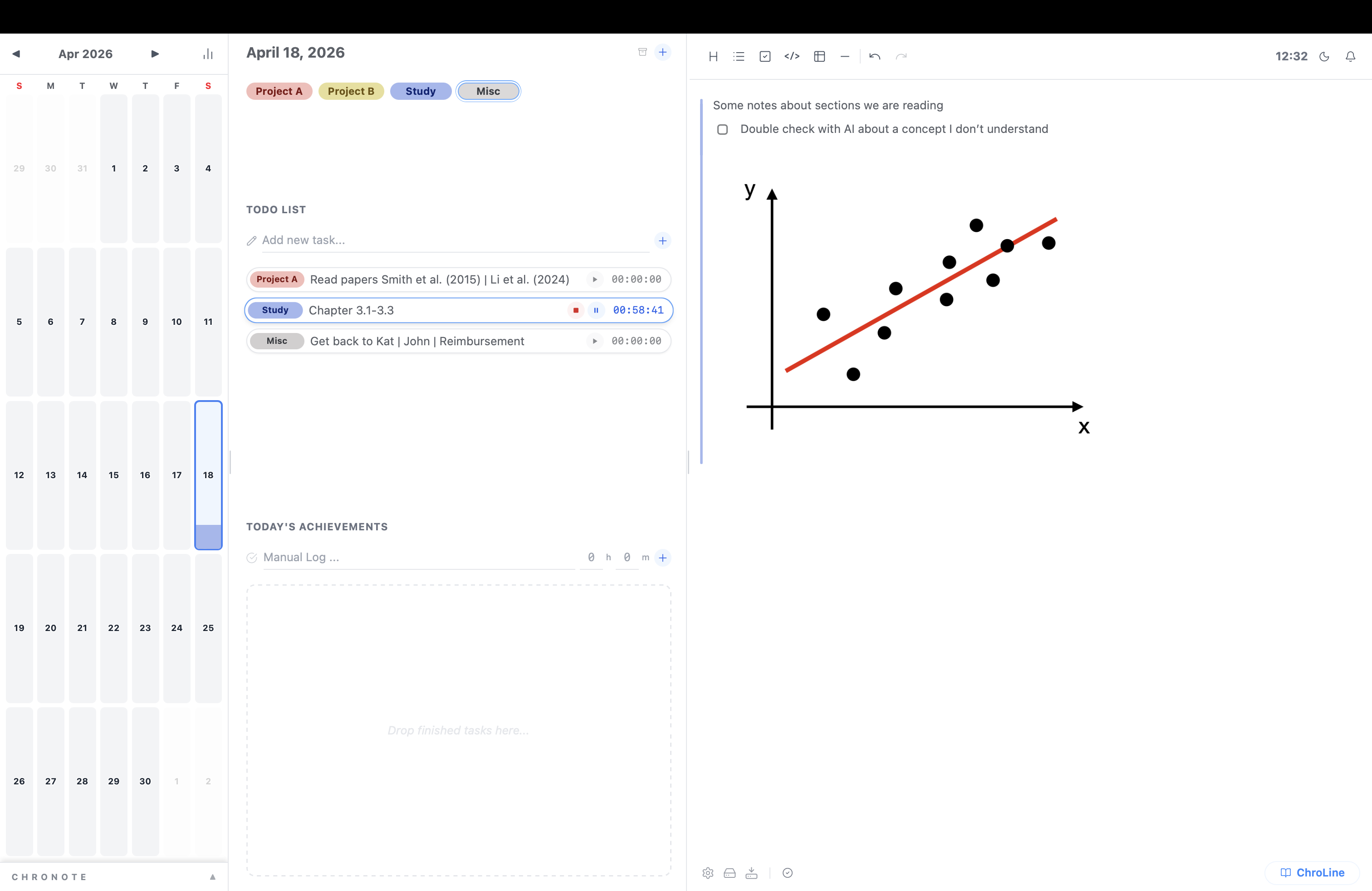
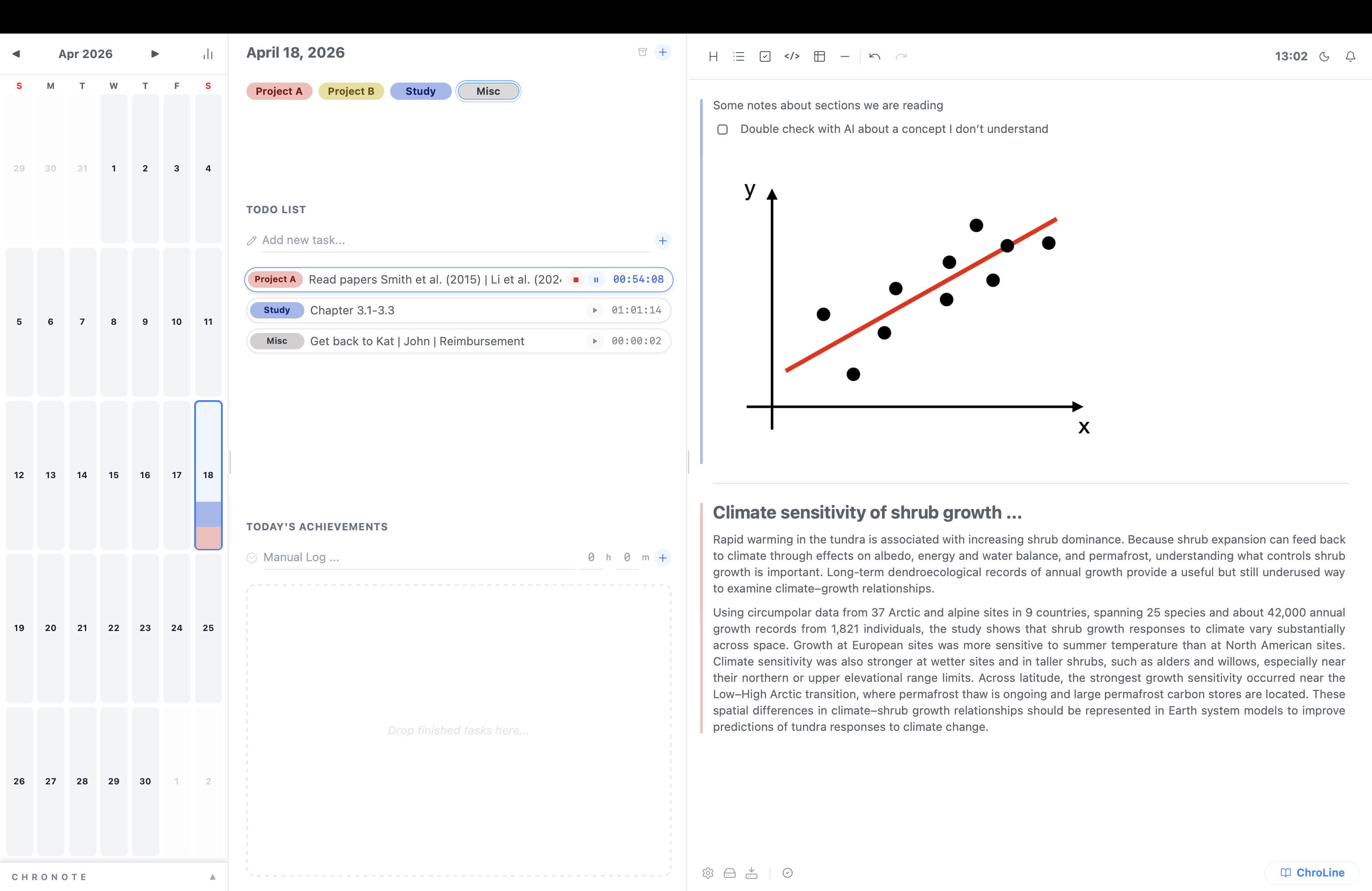
Switch sessions
Keep writing
different categories in one note
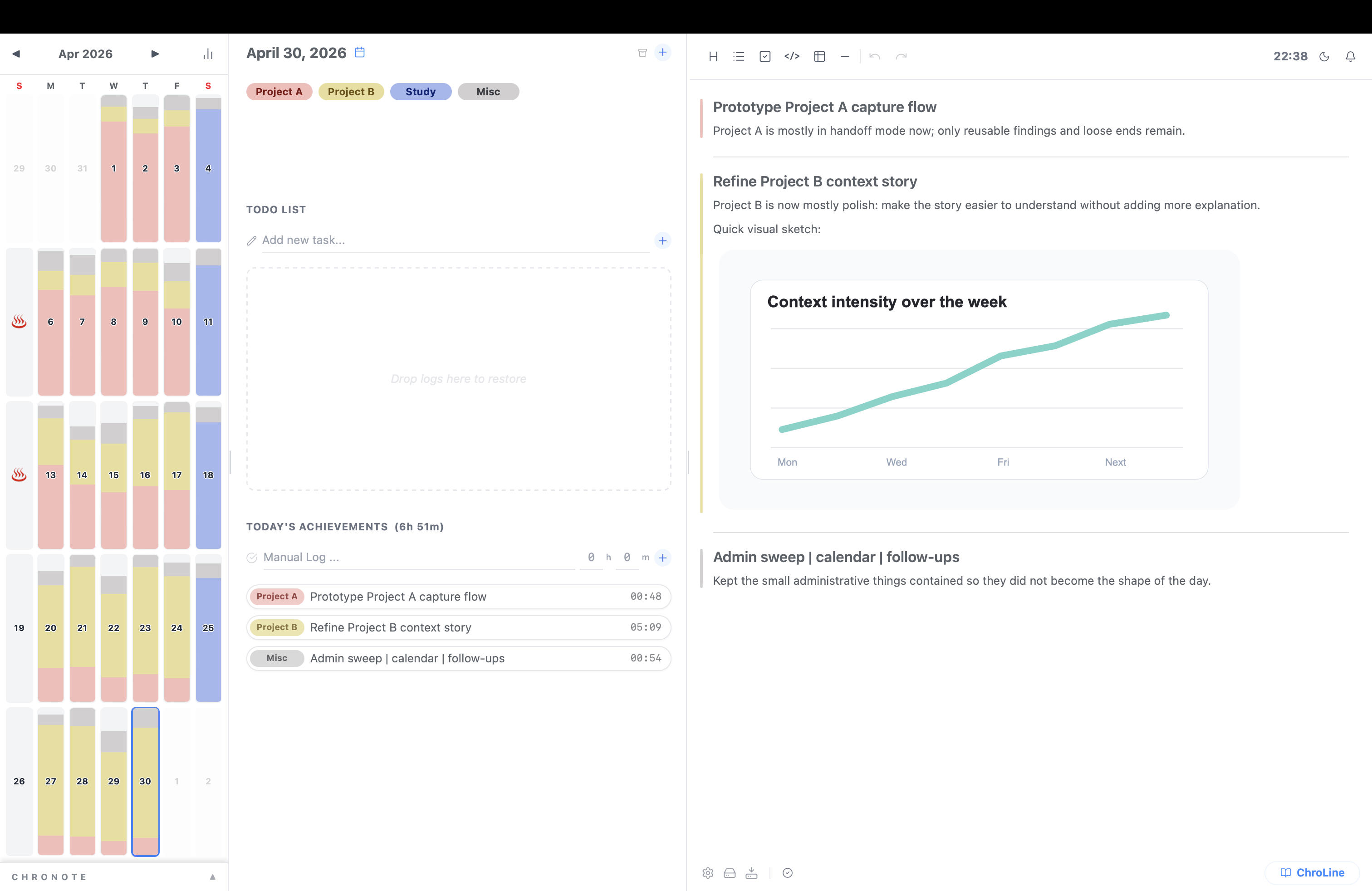
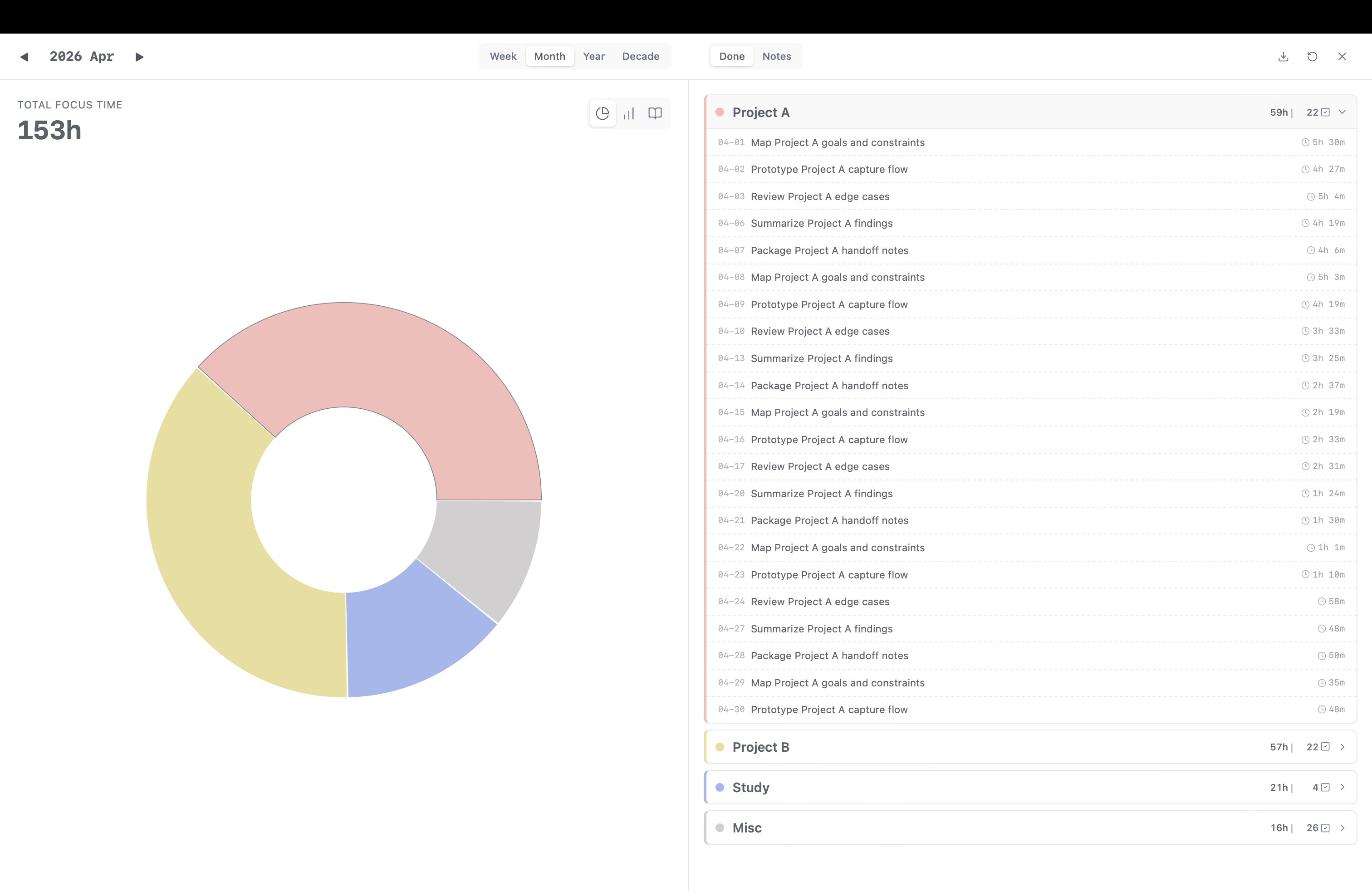
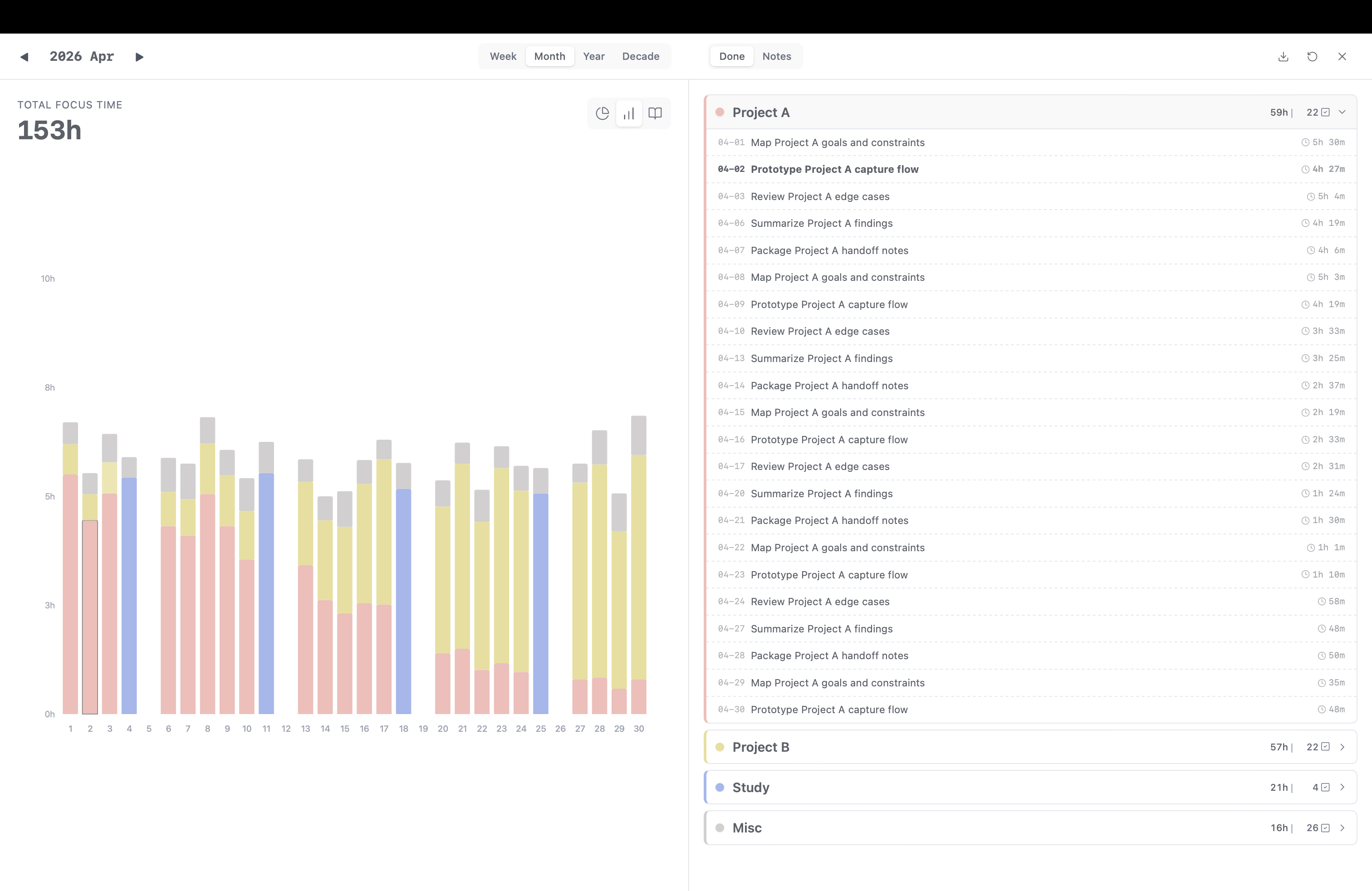
One Month Later...
all your time in a glance
More detailed insights...
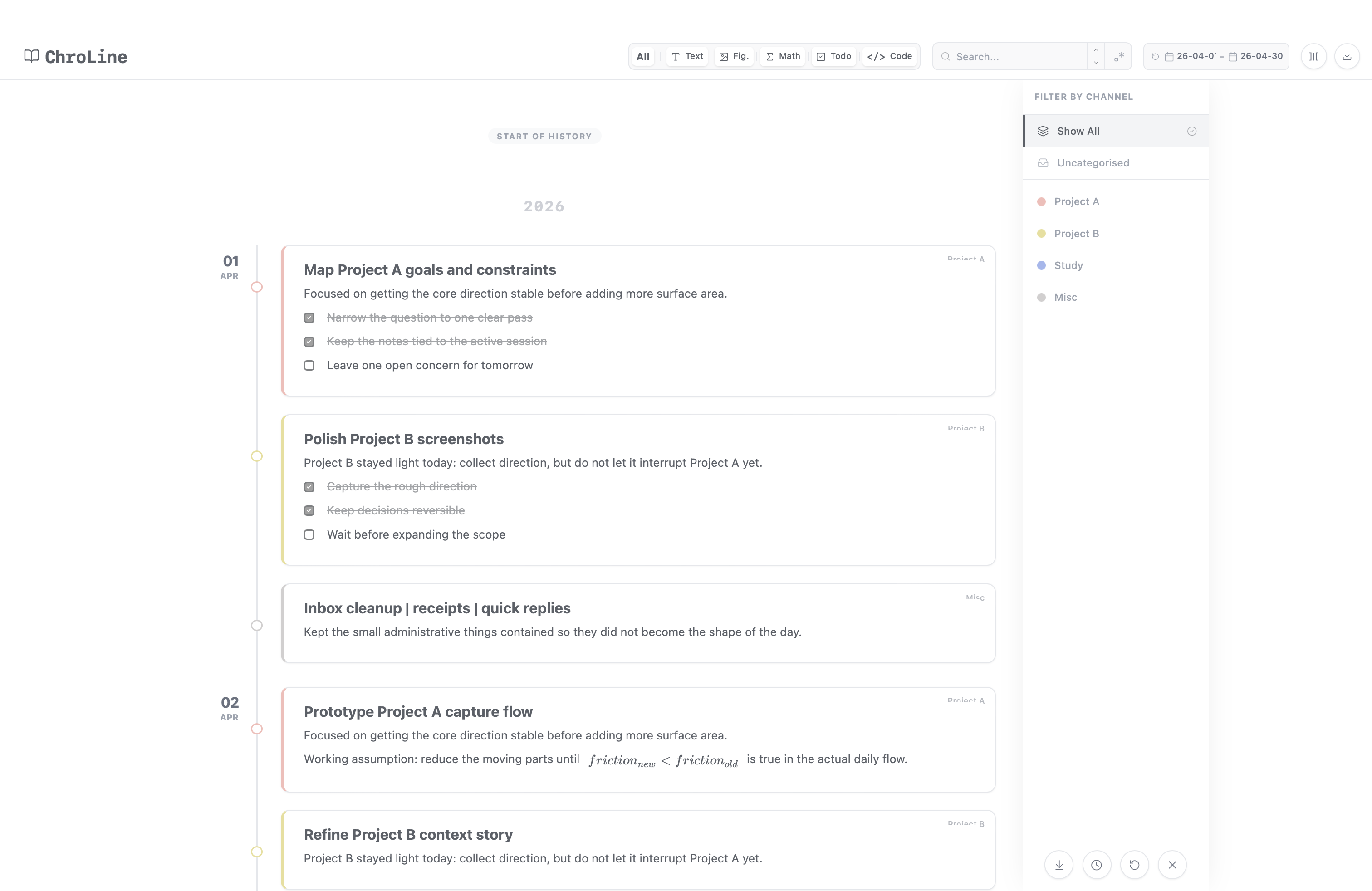
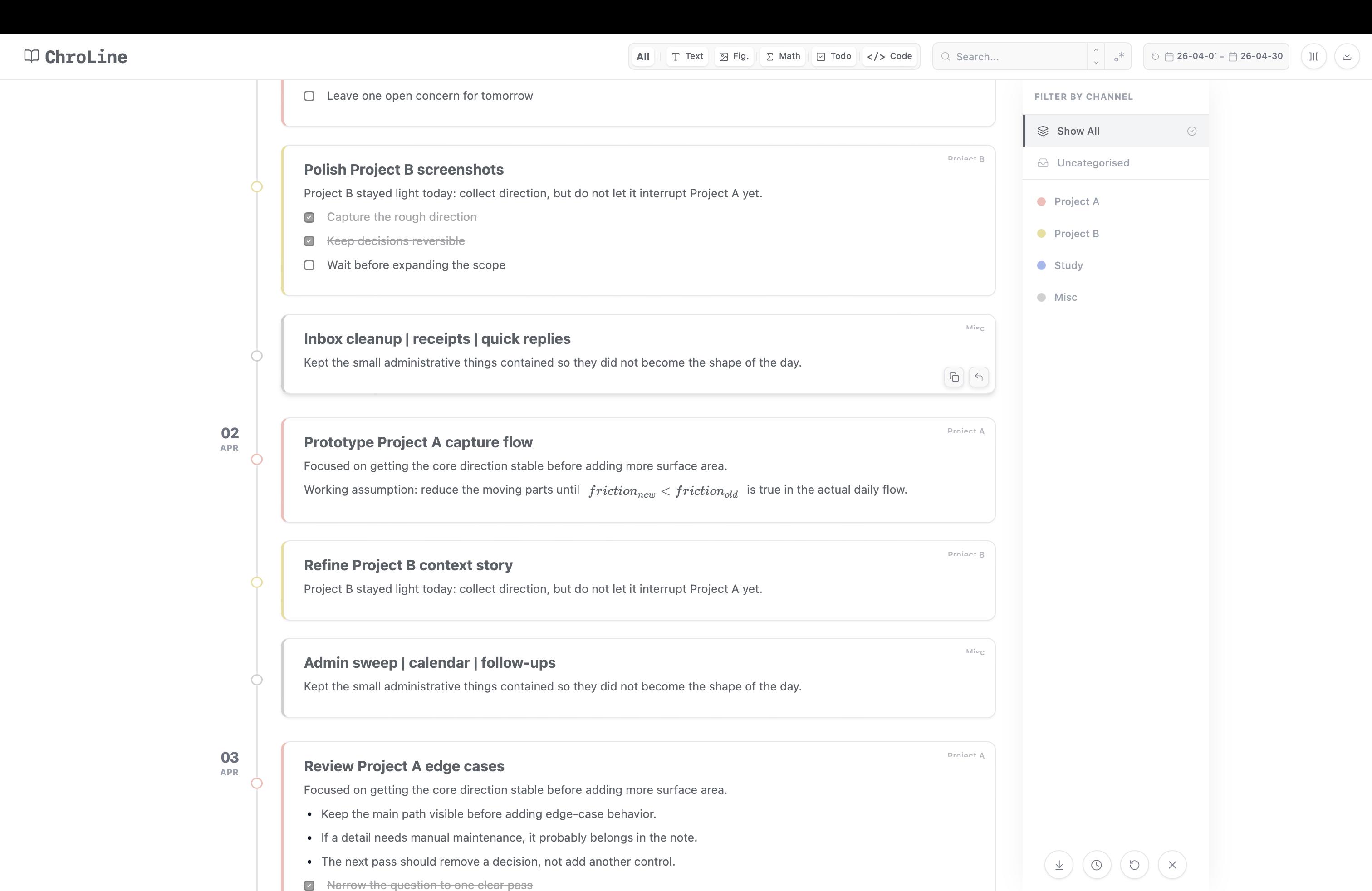
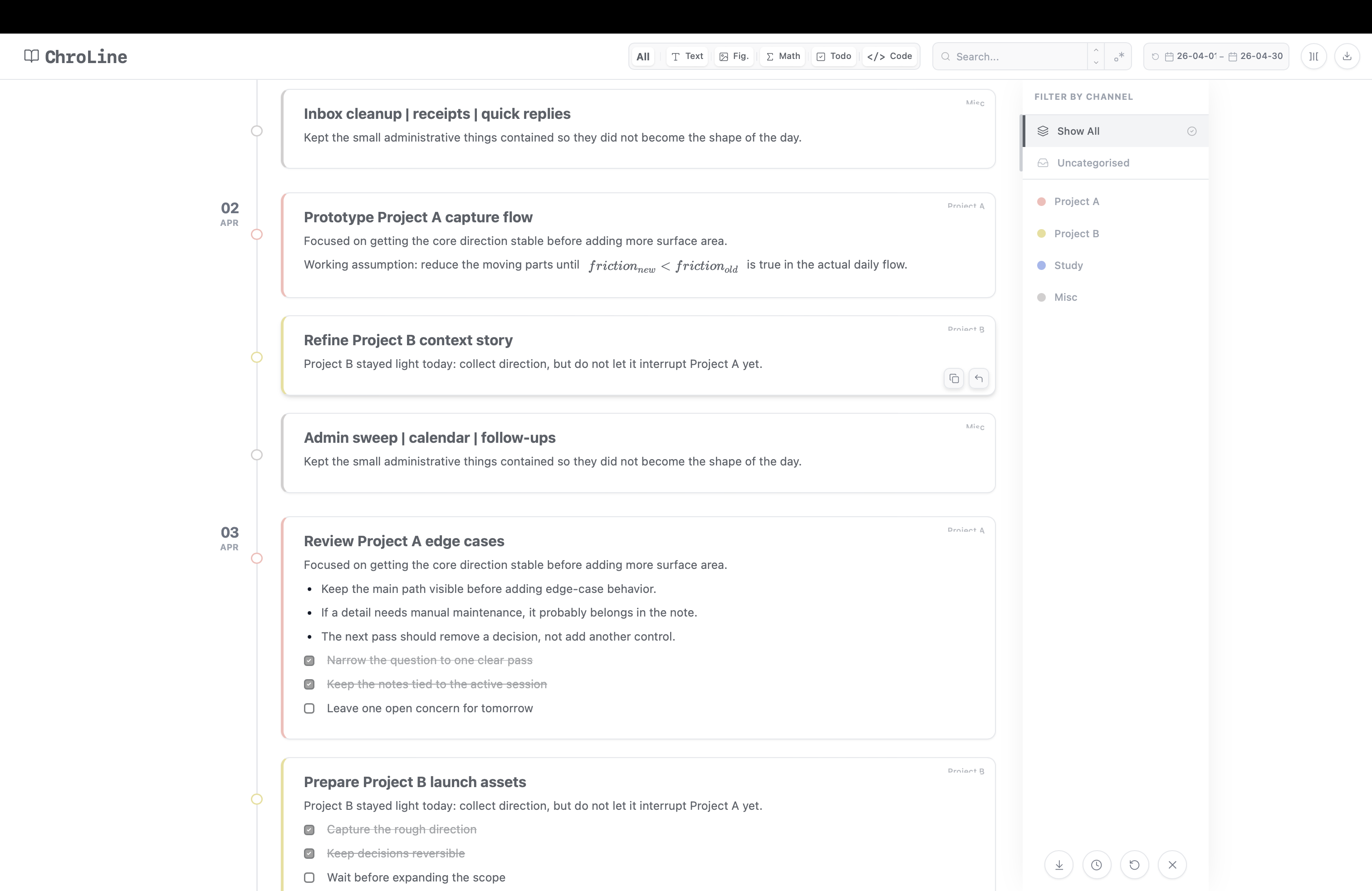
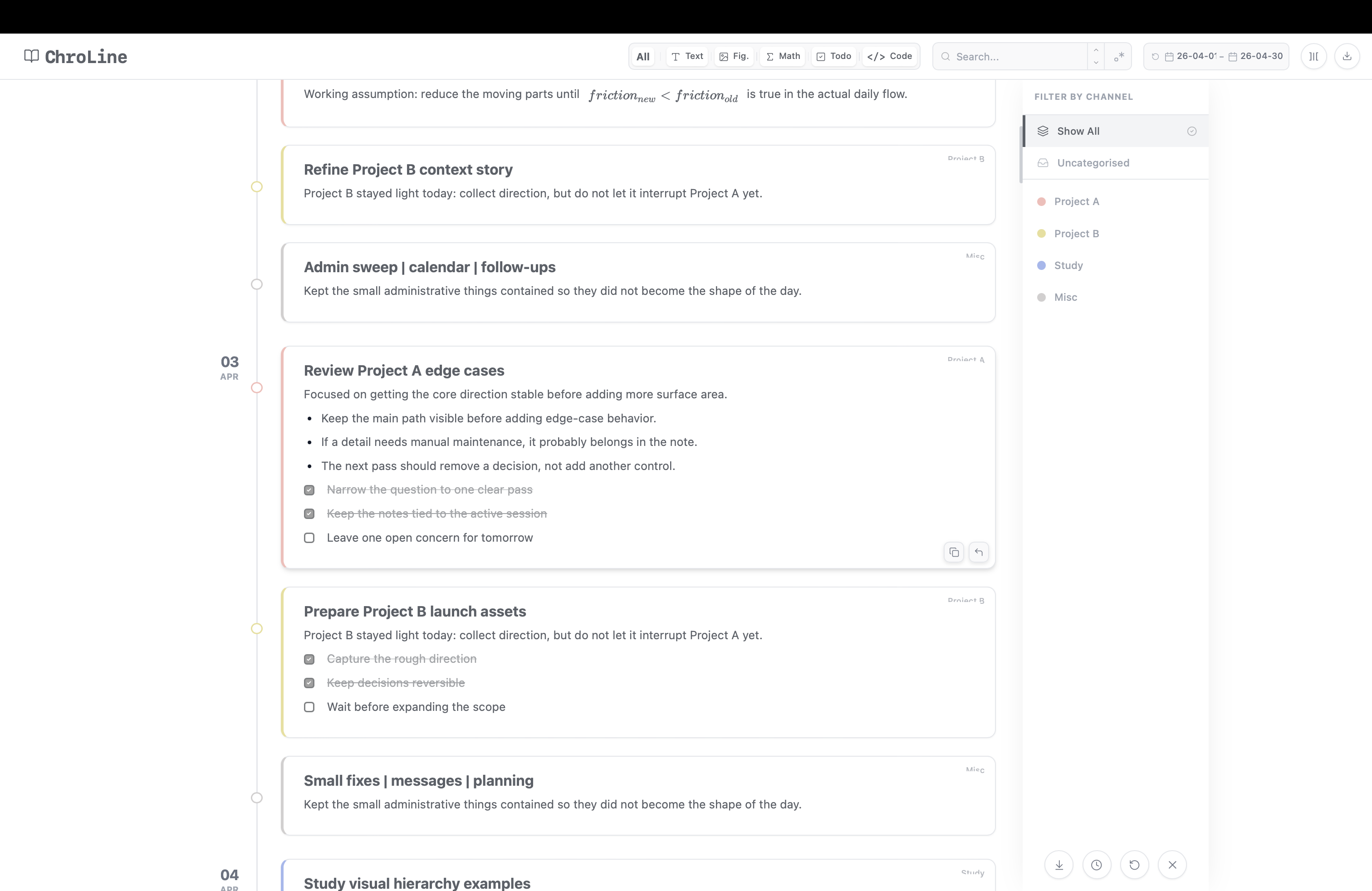
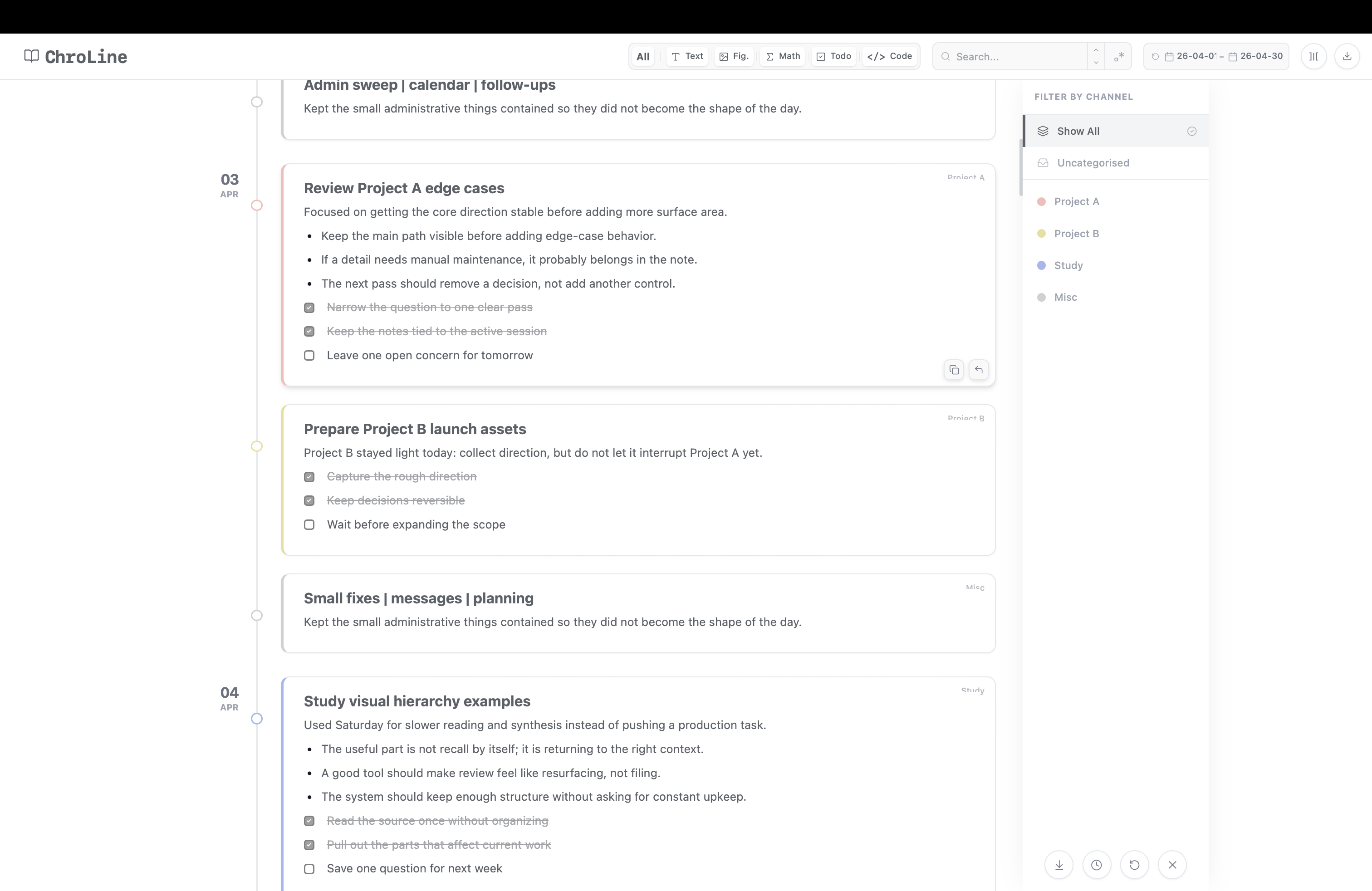
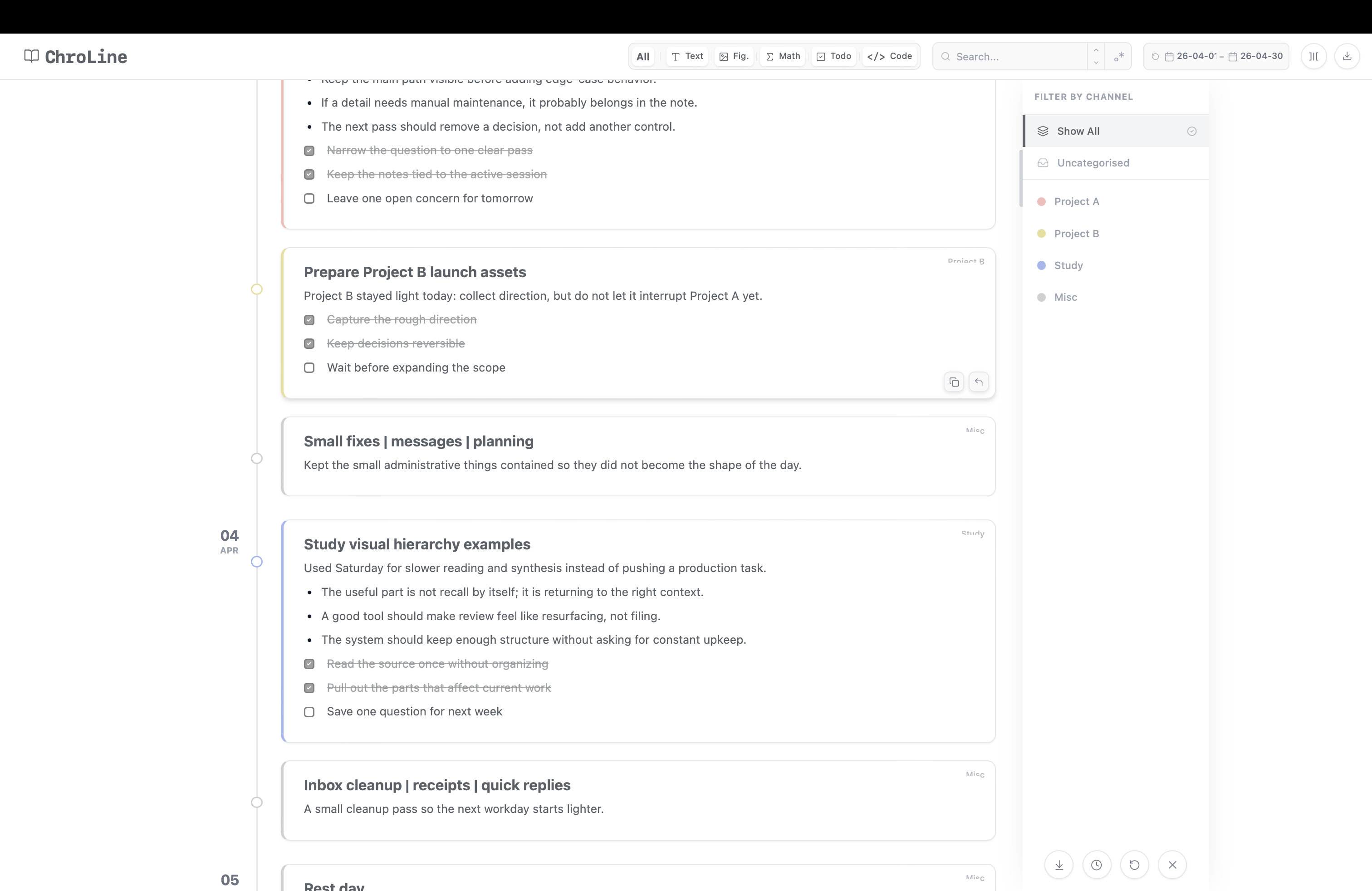
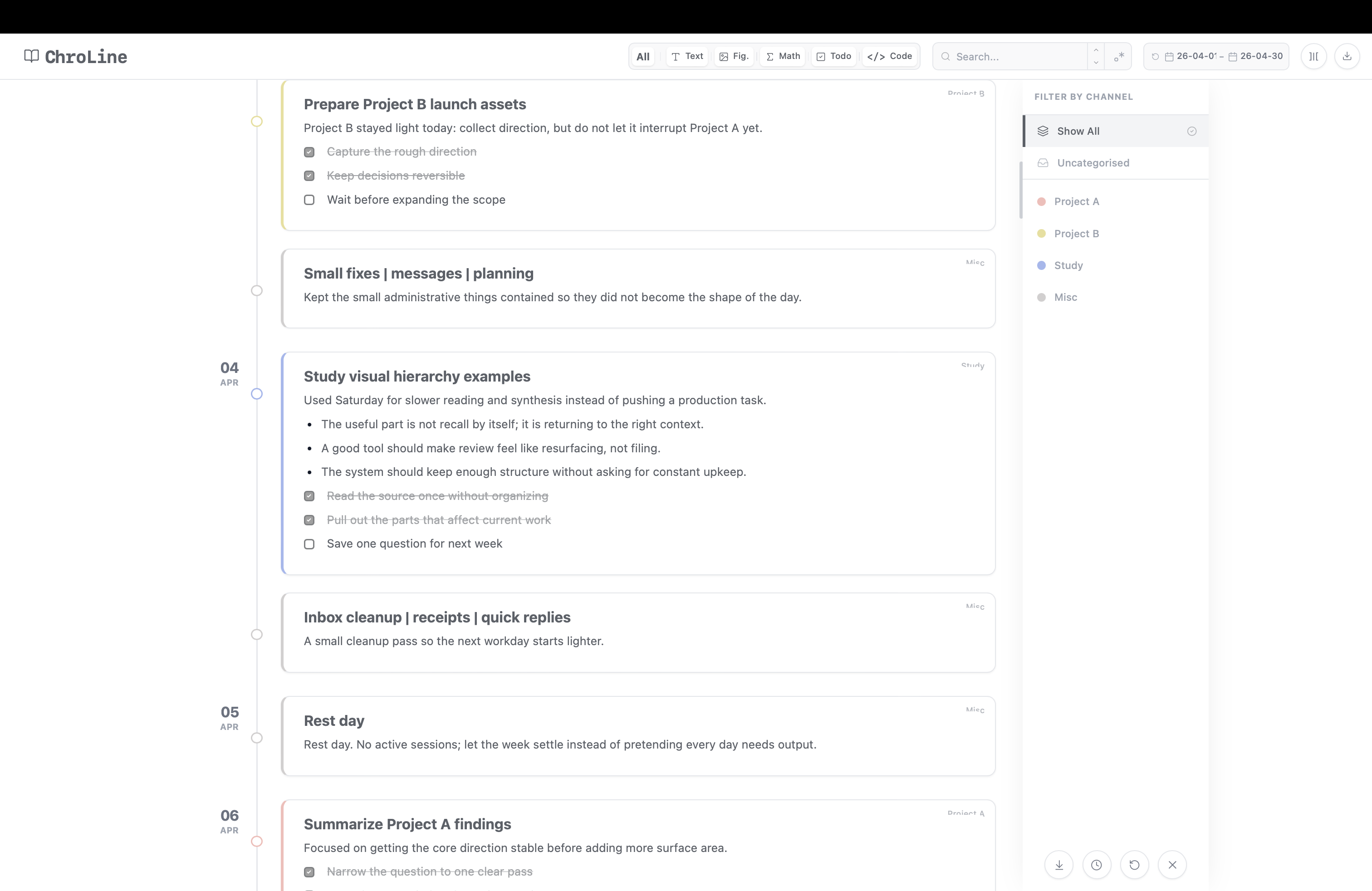
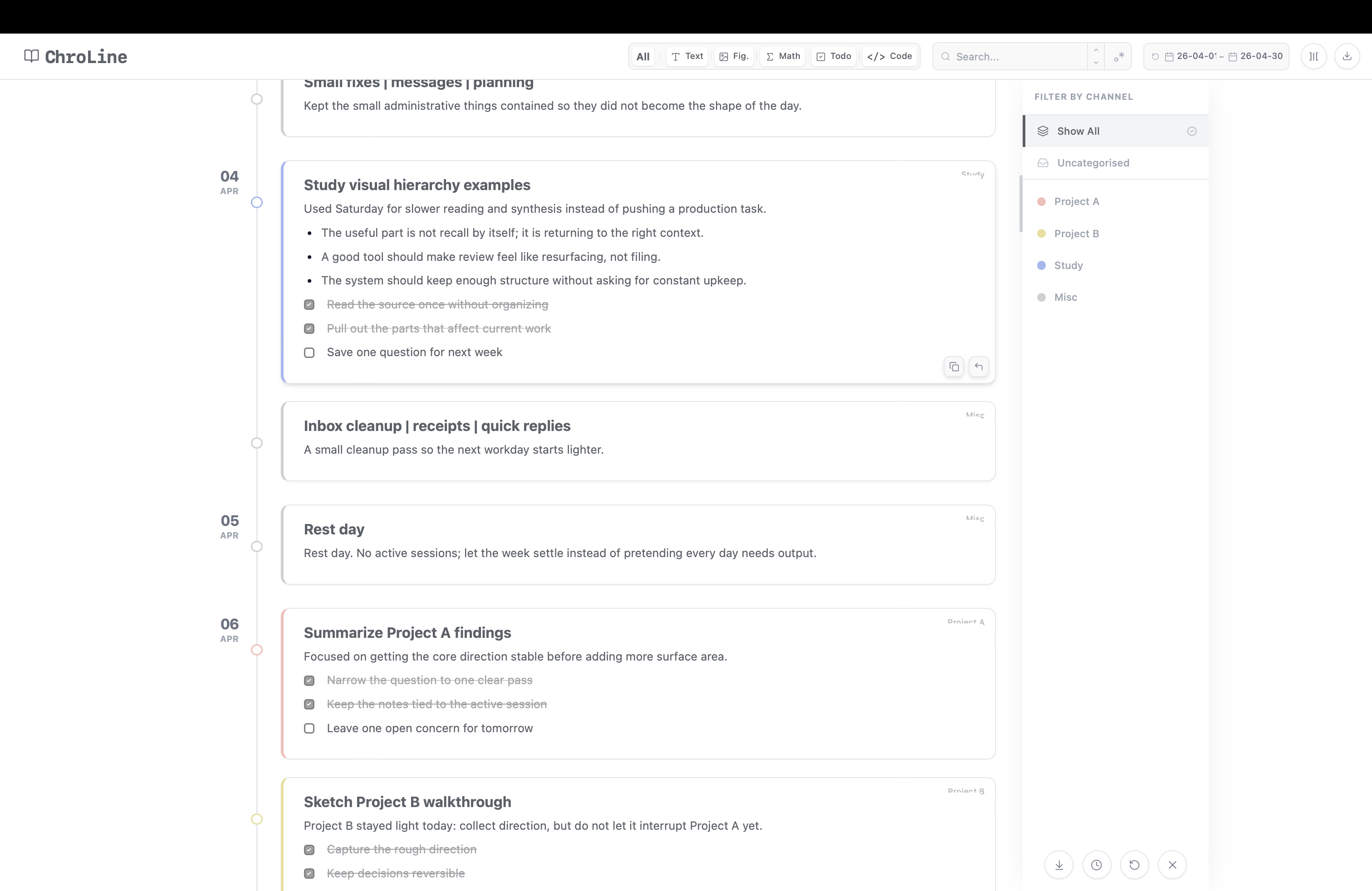
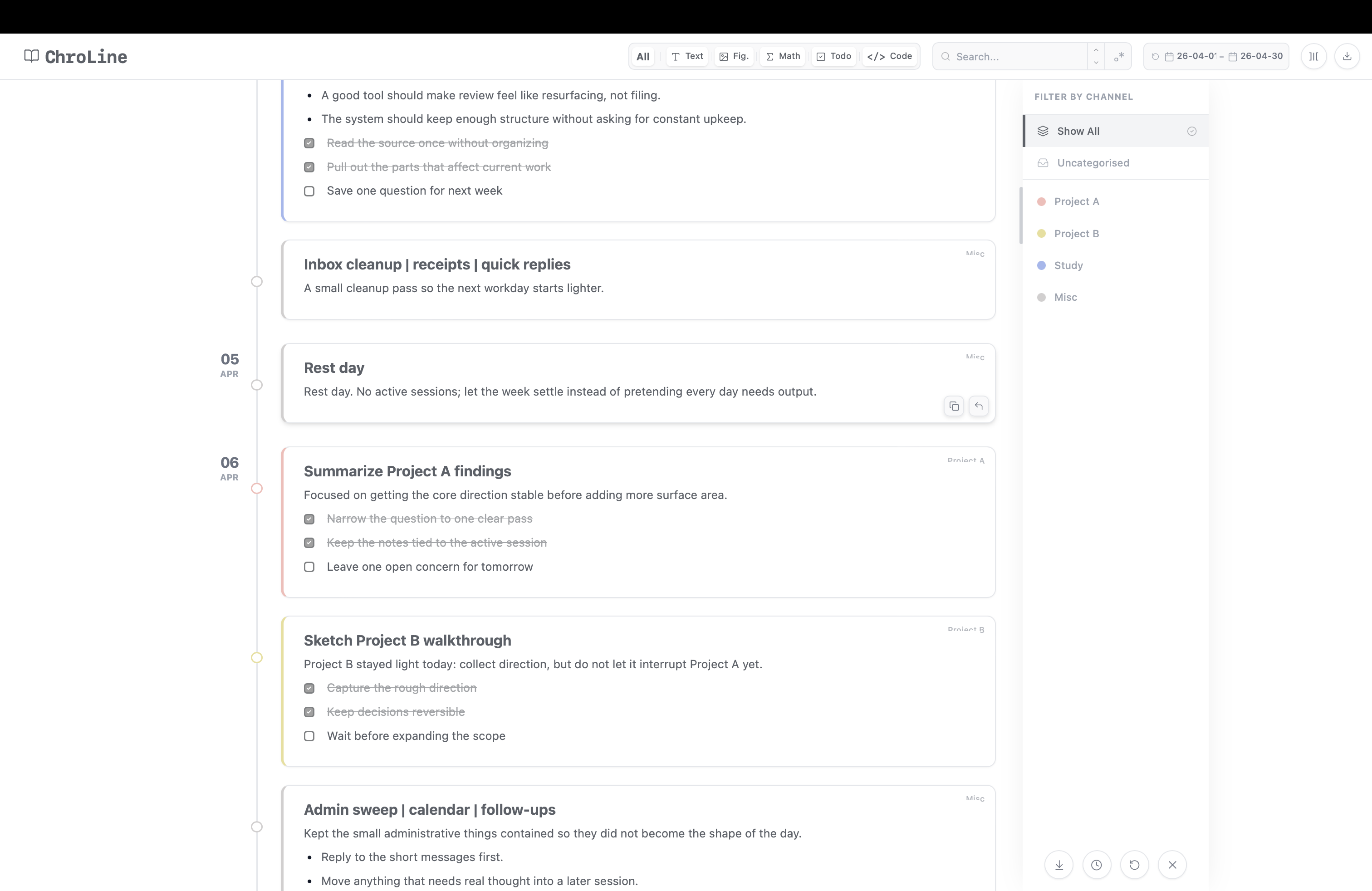
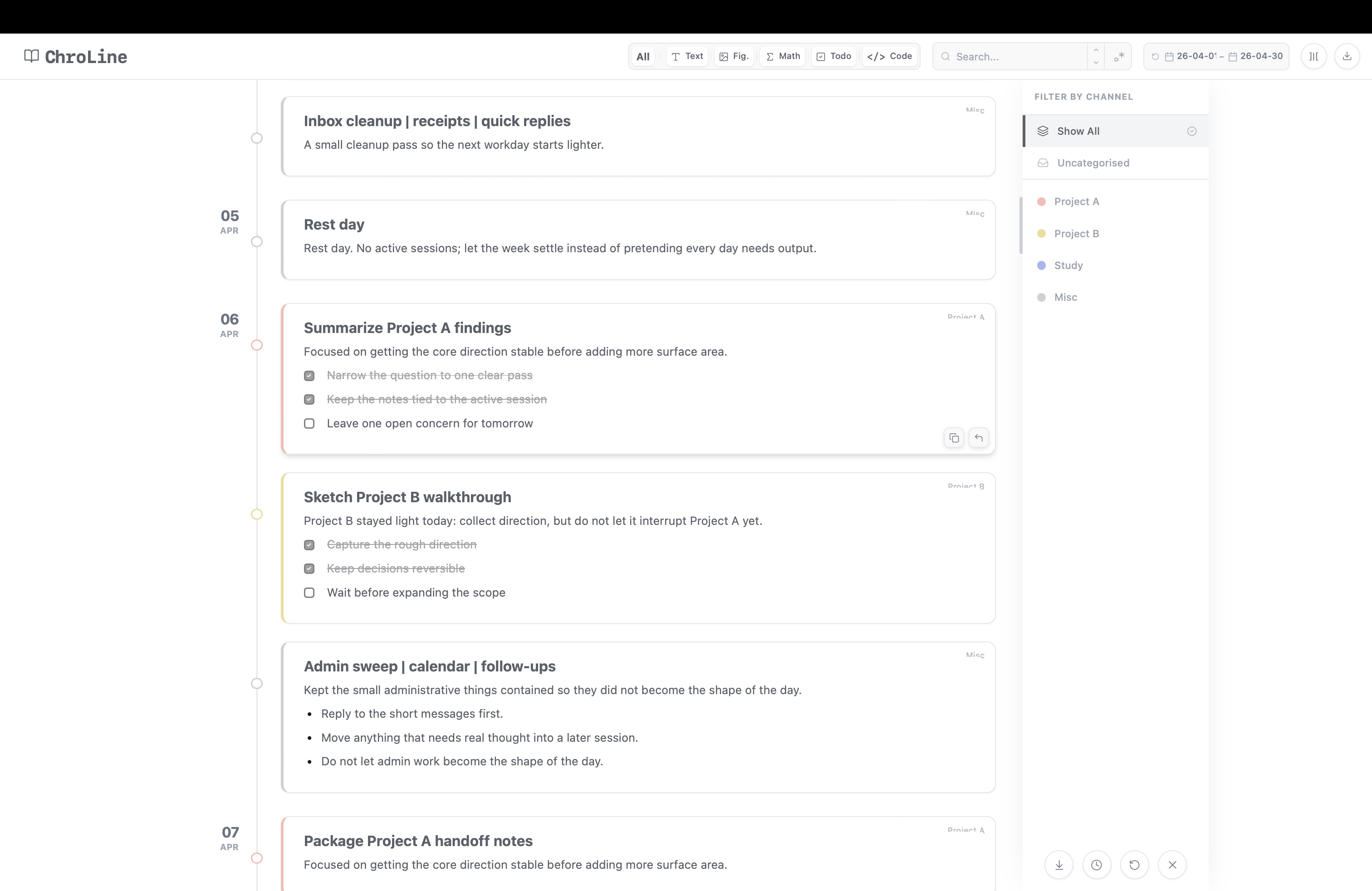
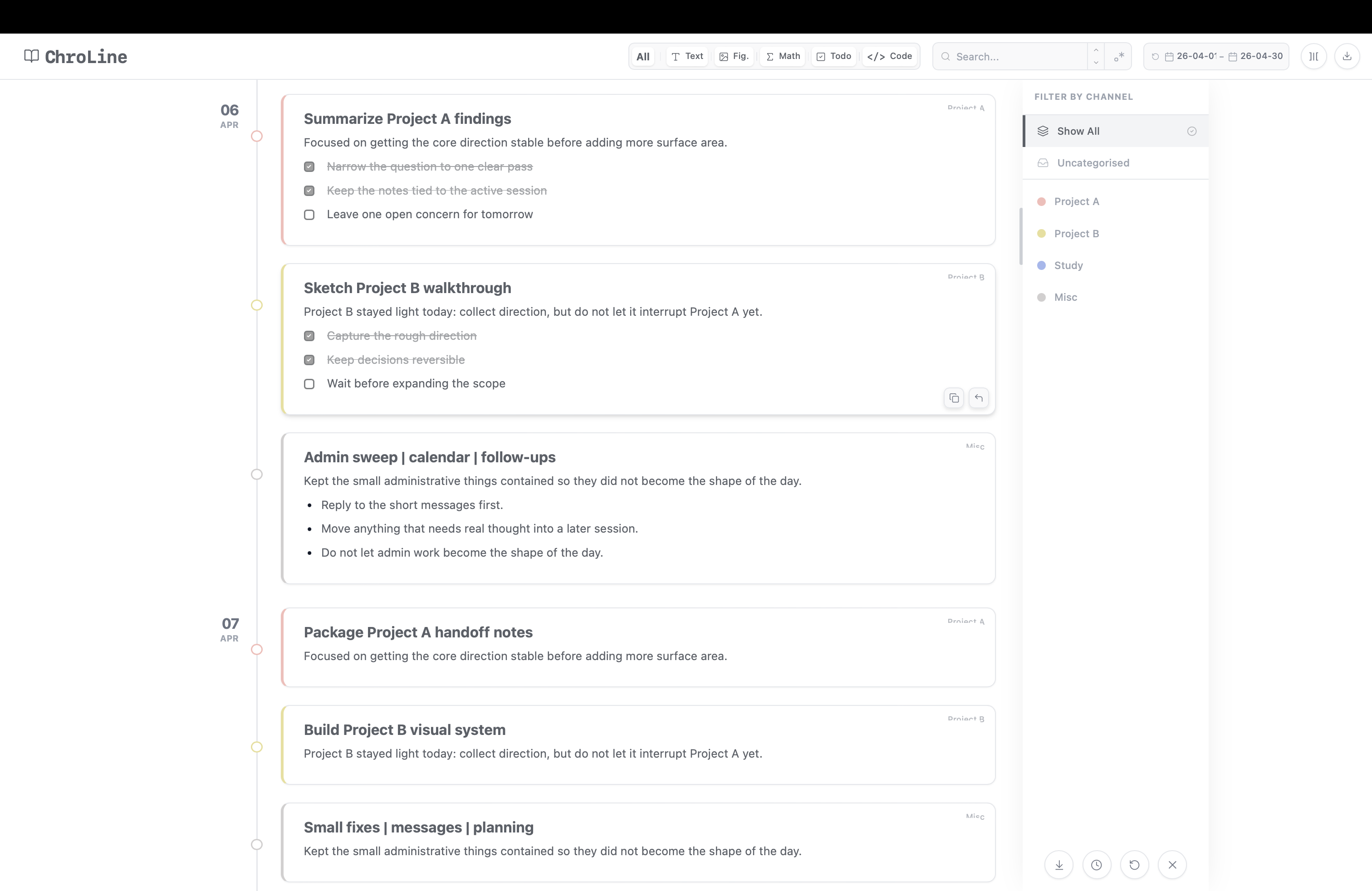
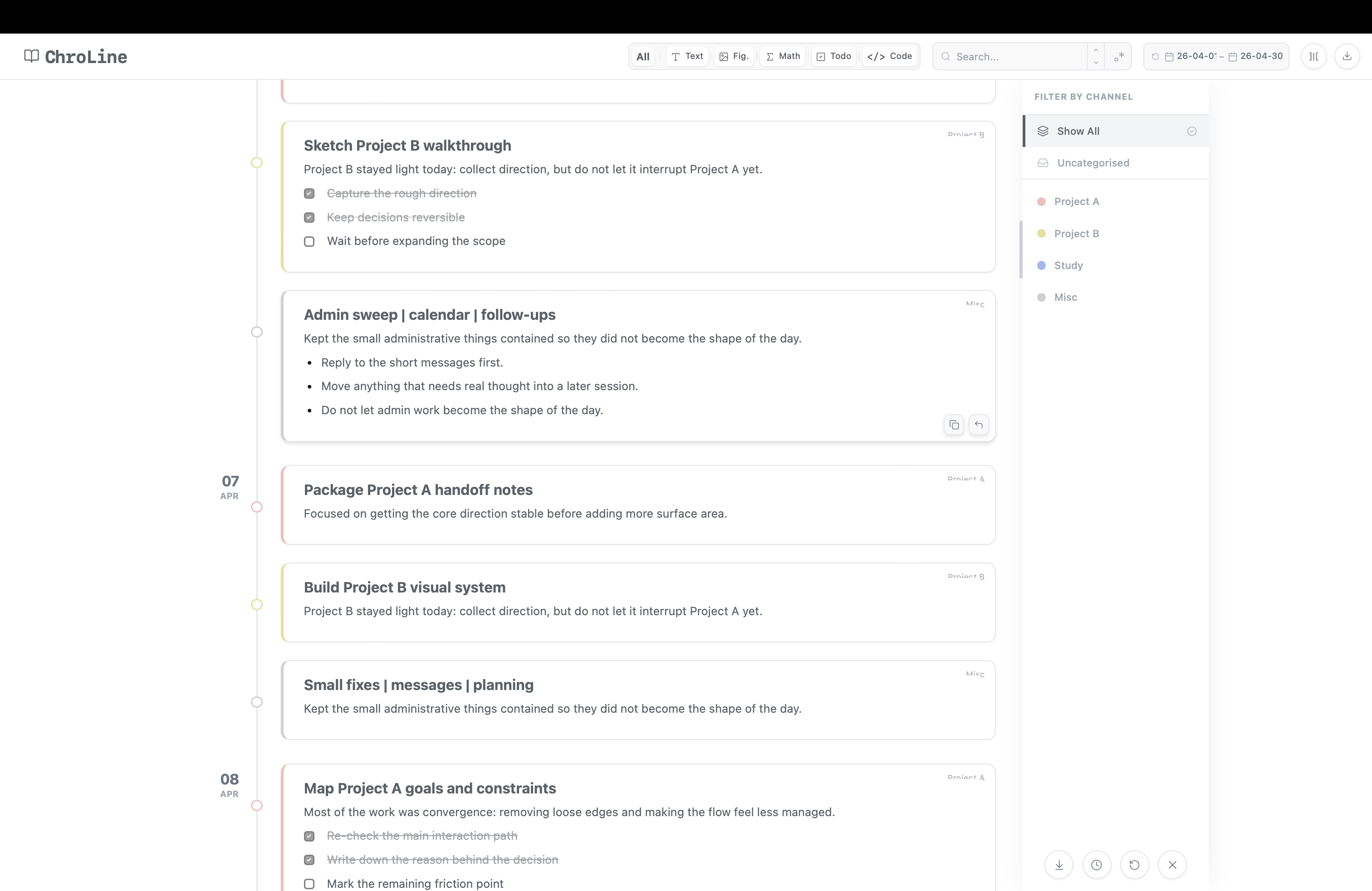
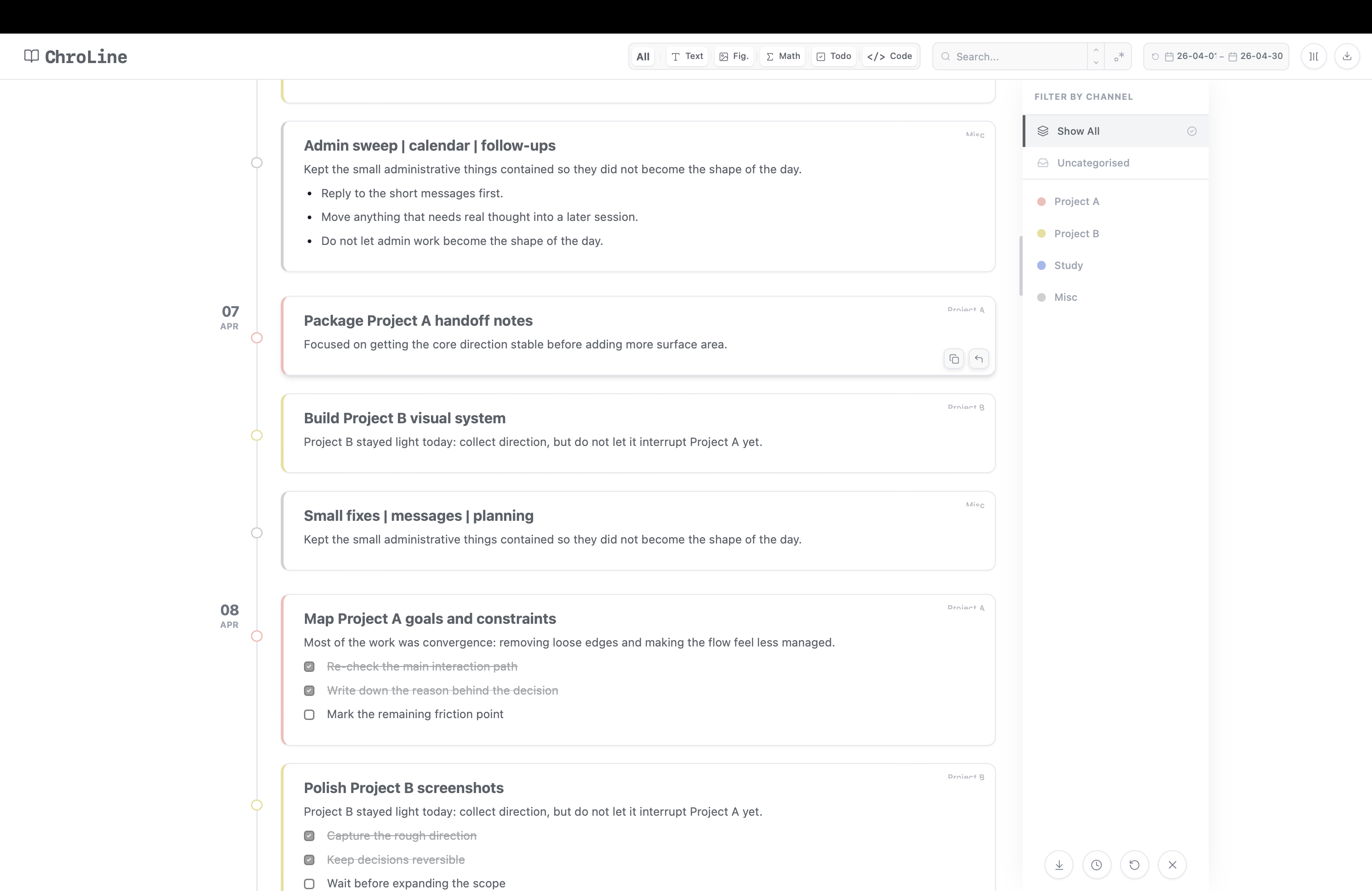
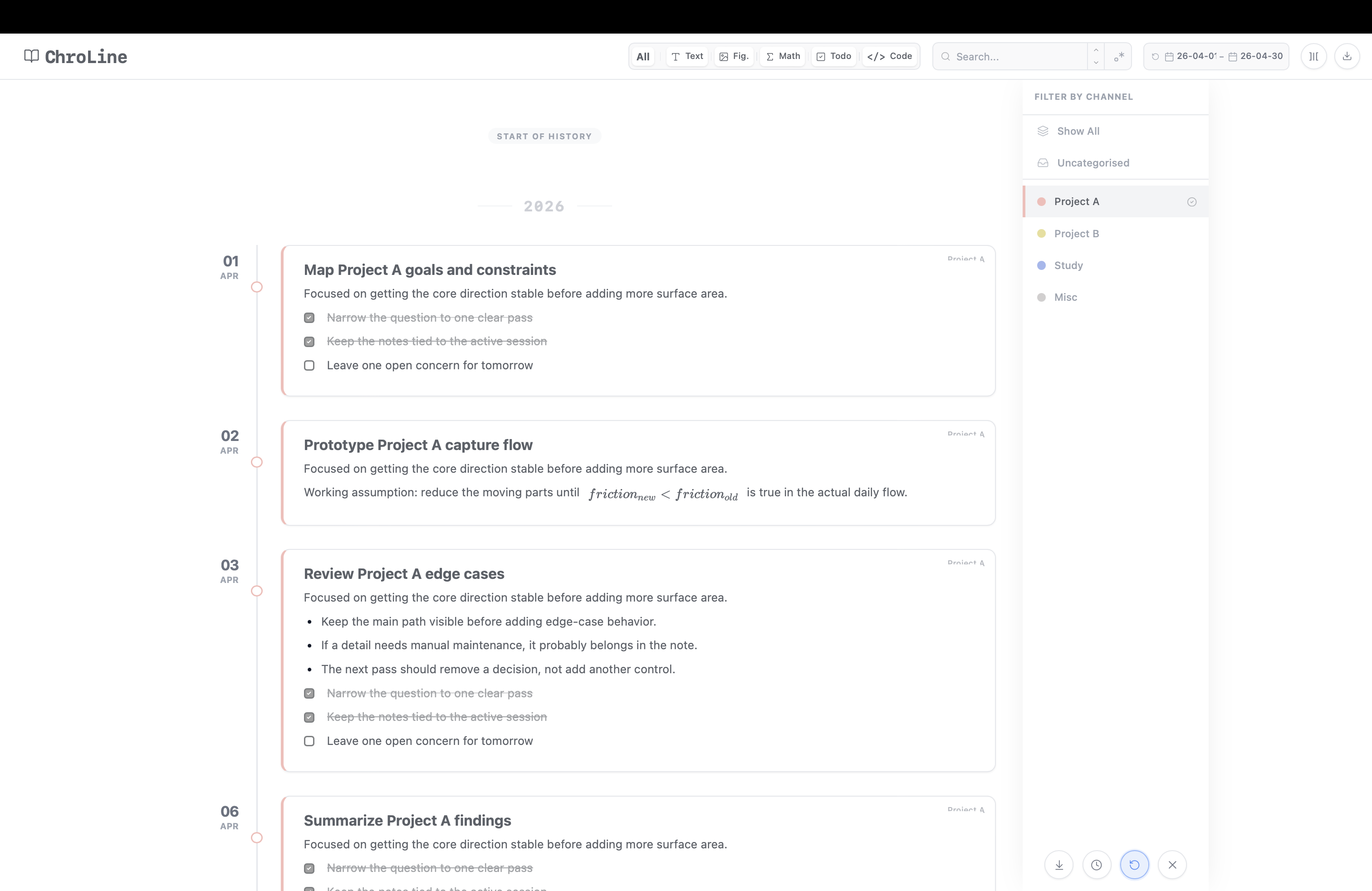
All your thoughts in a line!
Review notes from multiple days
Focus in one click!
Click here!
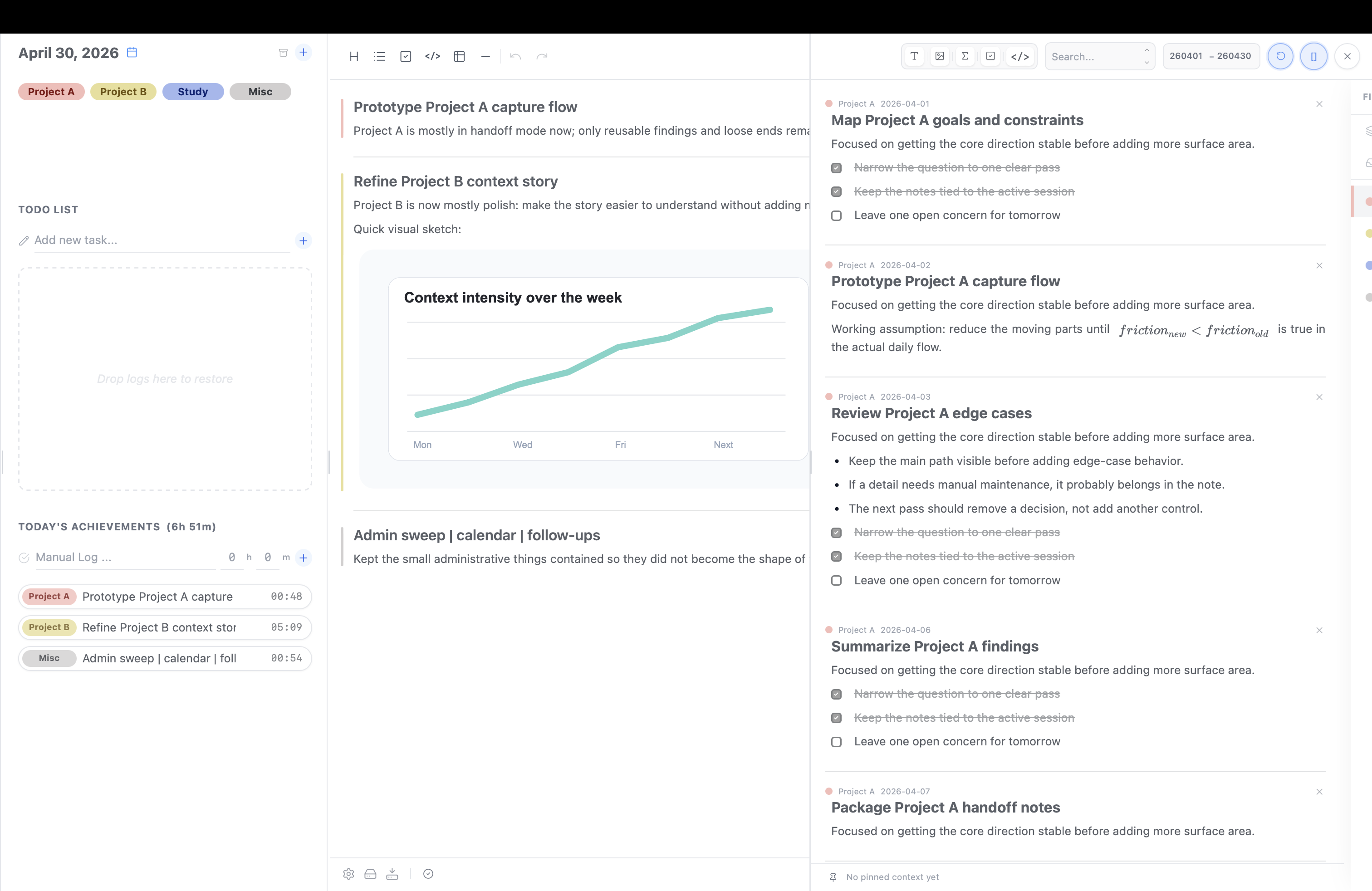
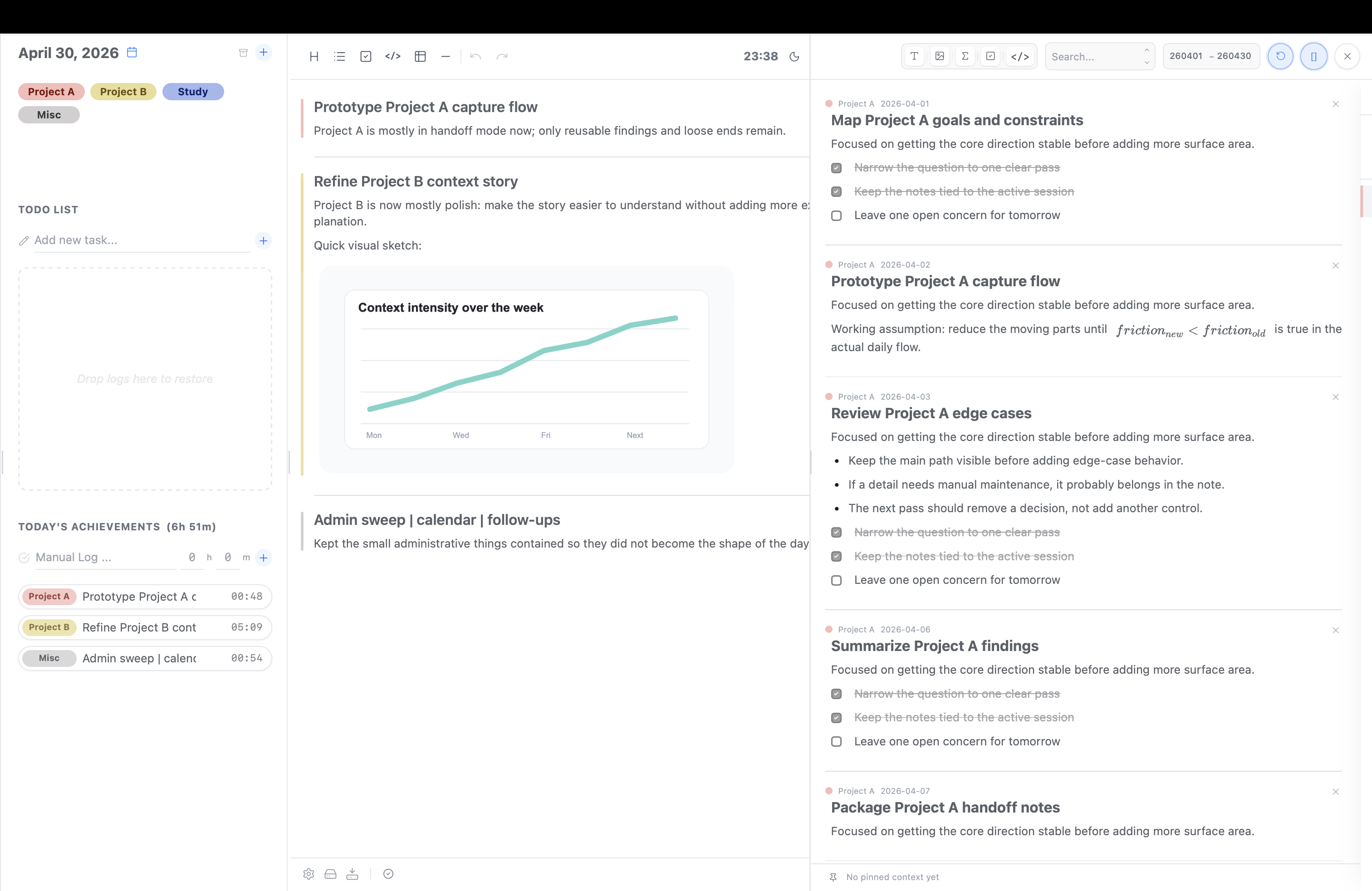
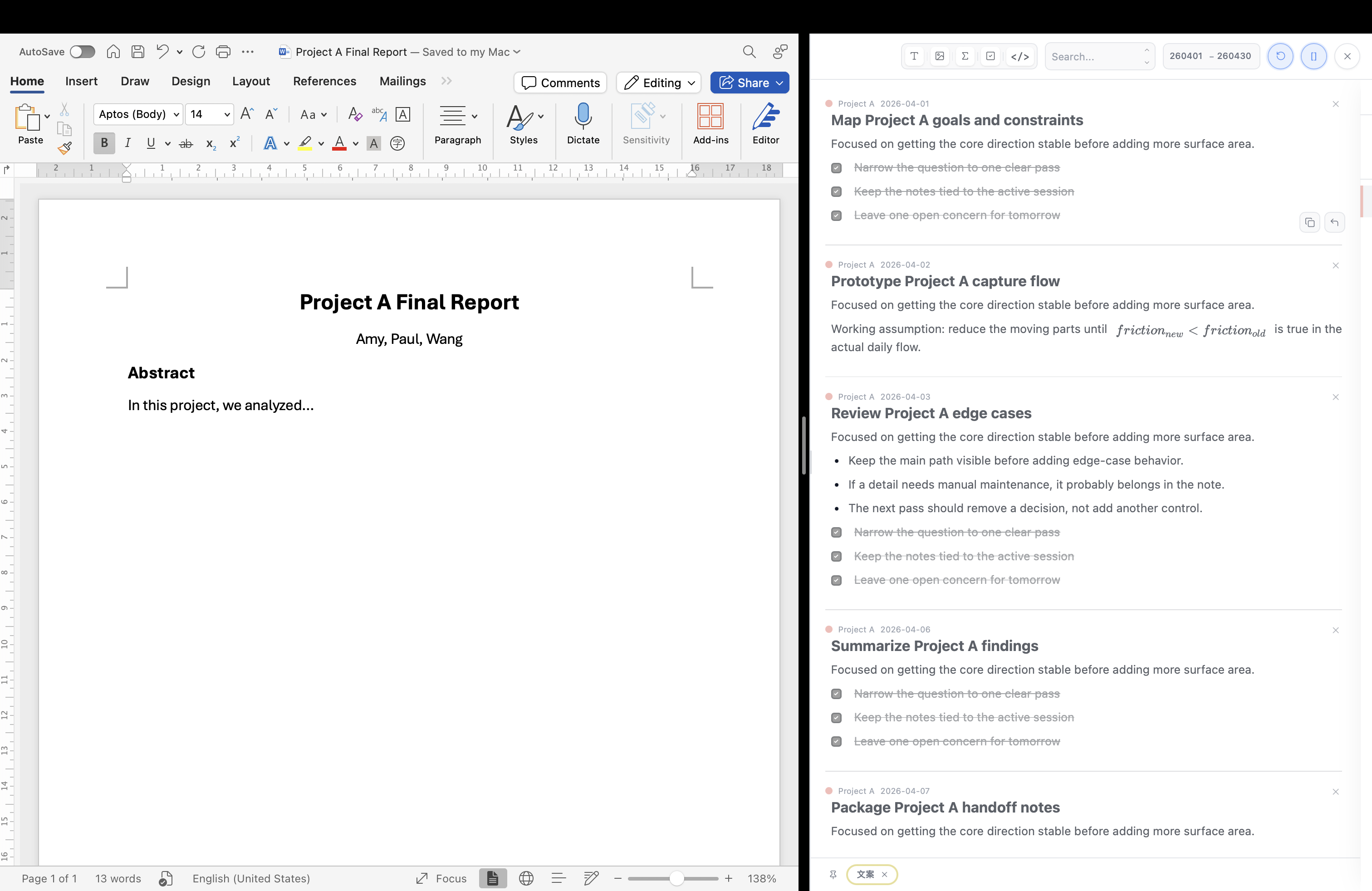
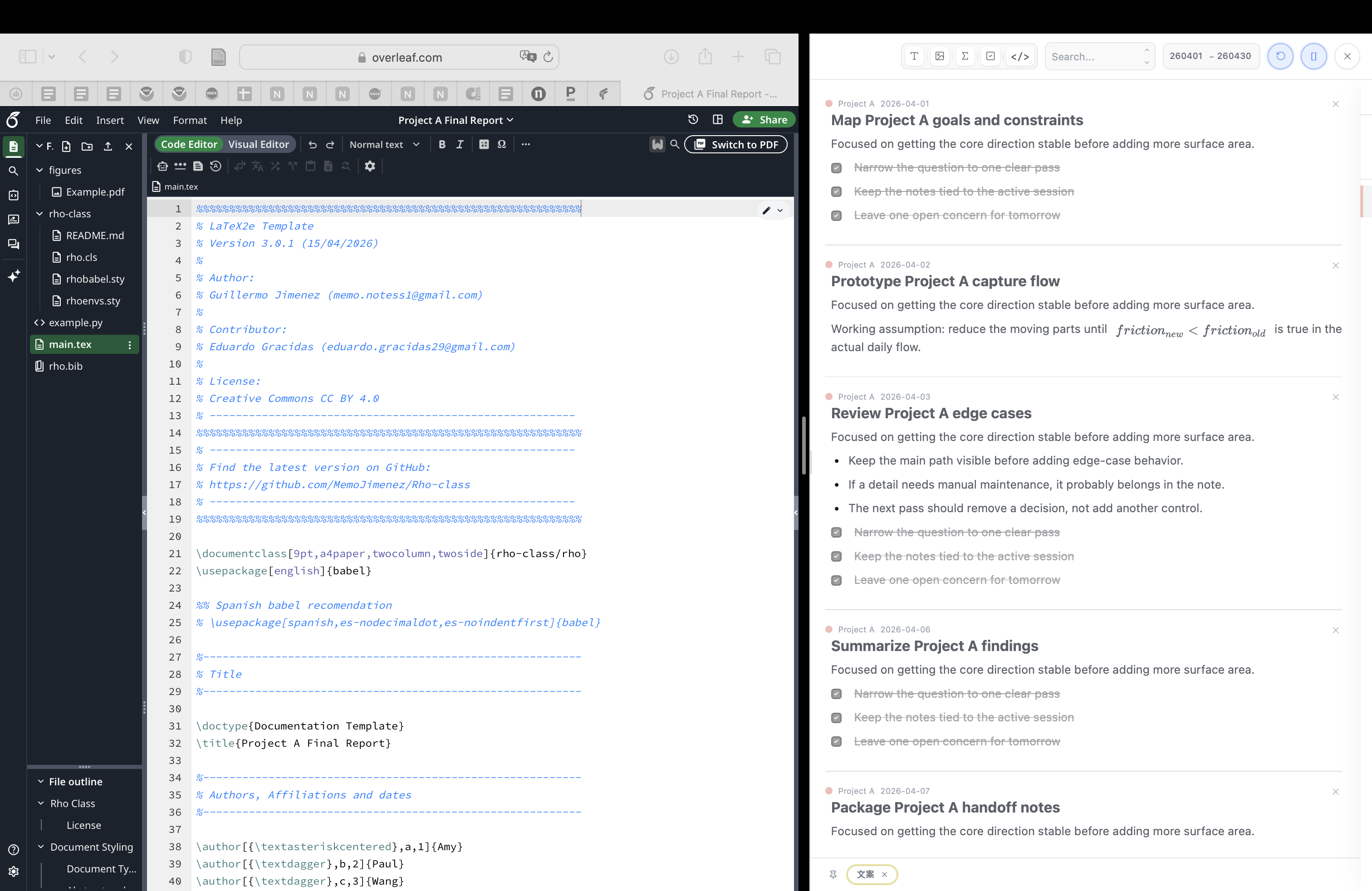
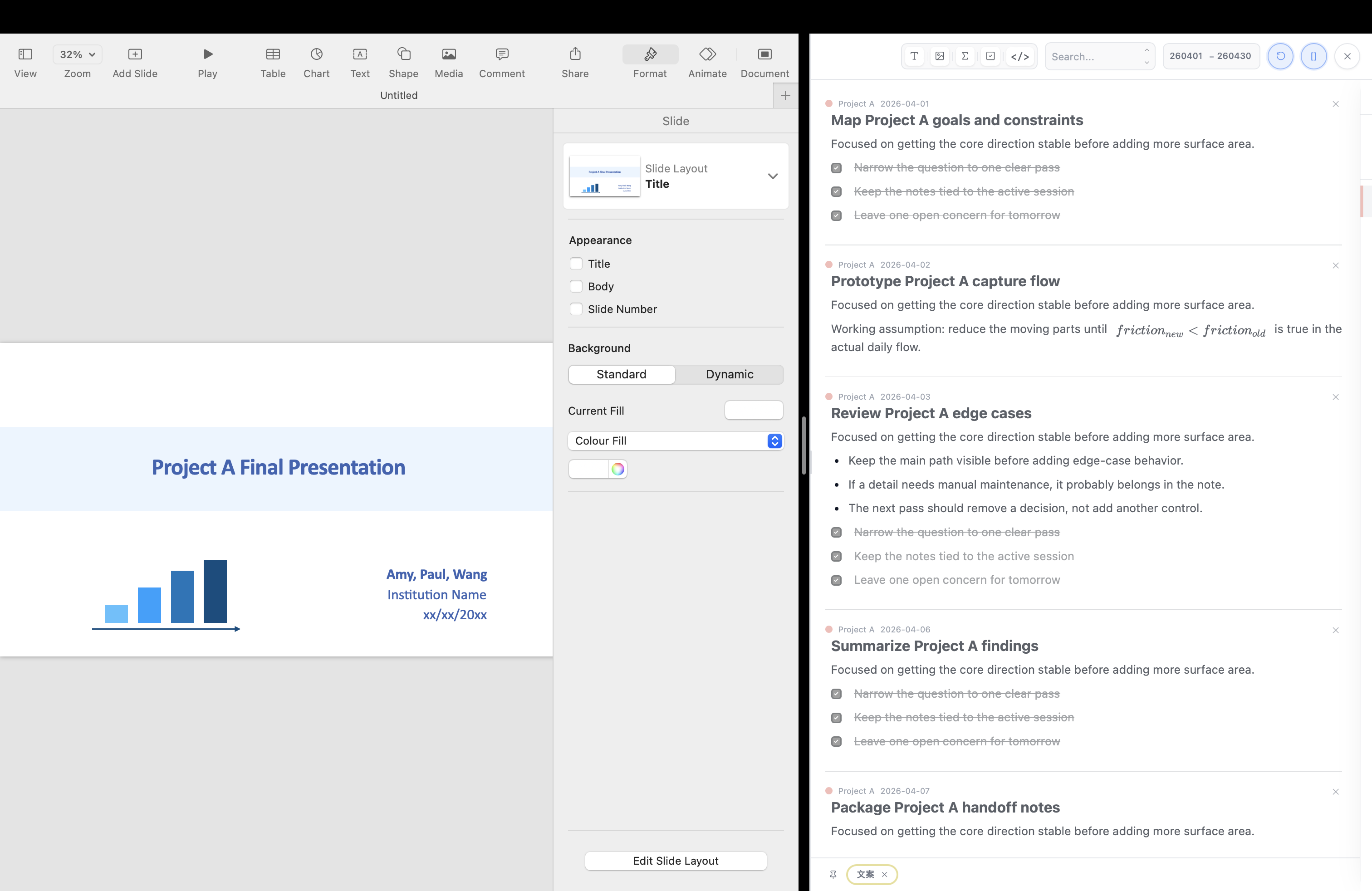
Work with context :-)
click to enter context mode
You still work in the main window
Not just inside ChroLine
ChroLine provides context.
01
Daily Notes
01
Organize by Category
02
How the Timer Works
03
Back to the month view
04
Work with context
Download ChroFlow
Version 1.1.0
What's New in v1.2.0?
- Automatically pause the timer when you close your laptop or shut down your computer.
What's New in v1.1.0?
- Resize the To-do panel.
- Add English spelling check.
- Customize theme and background. Learn how.
Opening ChroFlow on Mac
Installing ChroFlow on Windows
Start here
Lite
Free
All key features included, so you start with the full ChroFlow workflow.
- Unlimited time and session management
with up to 4 categories - 20-day daily notes and ChroLine review
- 1 pinned context in Context Mode
- Customise your theme
- Share where your time went
- Advanced search & filters
- Local storage for data privacy
- Relay via the cloud you choose
Download Free
By downloading, you agree to the Terms of Service and Privacy Policy.
Upgrade anytime
Pro
One-time purchase
$79
Early Bird — 50% off
$40
Yours forever · 2 devices
- Everything in Lite, plus:
- Unlimited number of categories
- Unlimited daily notes & ChroLine history
- 3 pinned contexts
- Save up to 5 custom themes and switch between them anytime
- Export report without watermark
Upgrade to Pro
By purchasing, you agree to the Terms of Service, Privacy Policy, and Refund Policy.